Creating MacOS Developer Id Certificate
You will need an active Apple Developer Program membership and a Mac to create the certificate request and export its private key. Use your organisation’s membership for your company’s signing identity.
See macOS Production Requirements for the full release checklist and macOS App Updates for publishing the DMG, XML and signature on your hosting.
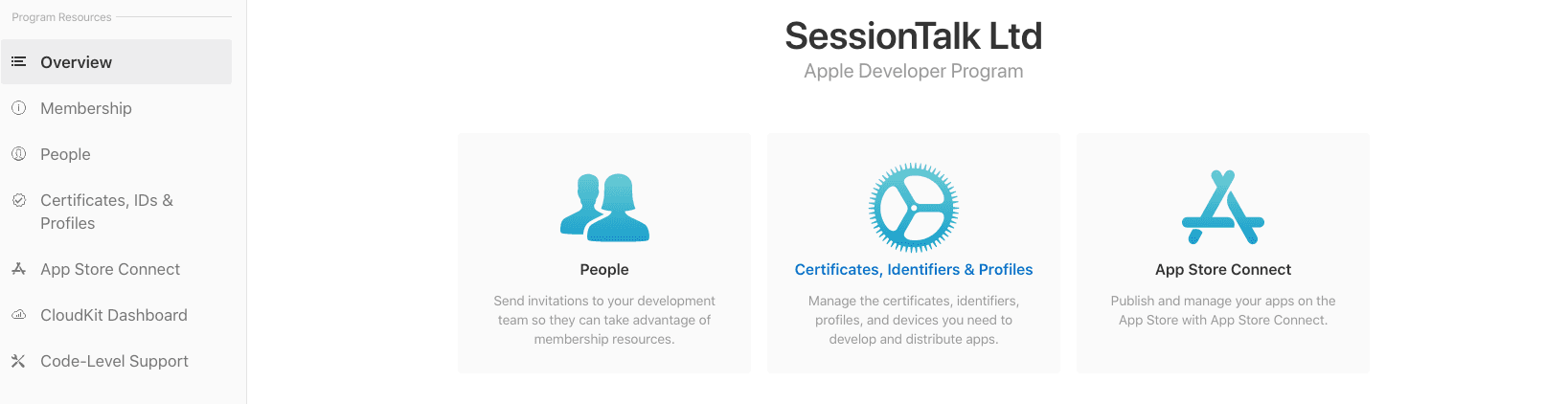
Firstly login to your Apple Developer portal. In the main view browse to the ‘Certificates, Identifiers and Profiles’ view. We first need to create a certificate.
Create MacOS Developer ID Certificate
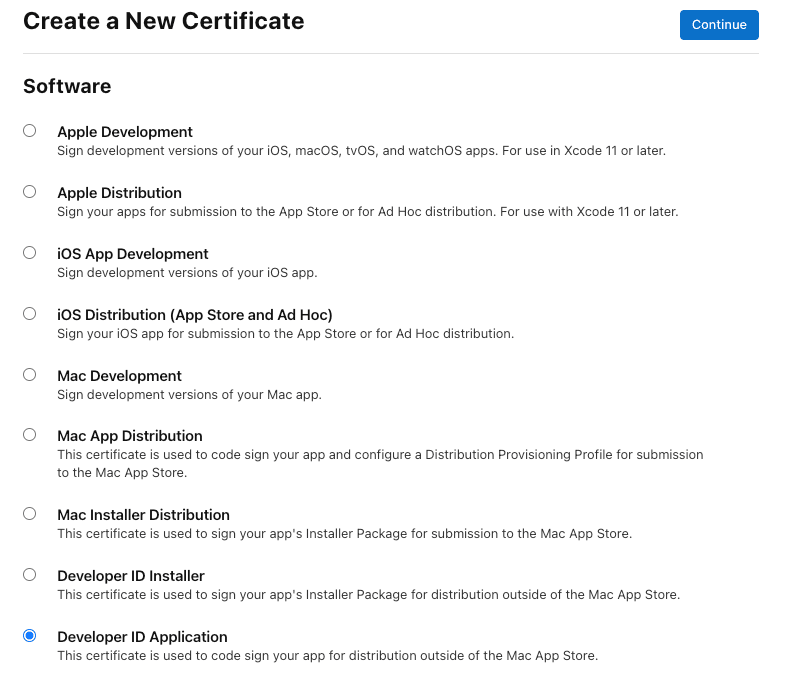
As the account holder, select Developer ID Application when creating the certificate. This is the certificate for apps distributed as a DMG outside the Mac App Store.
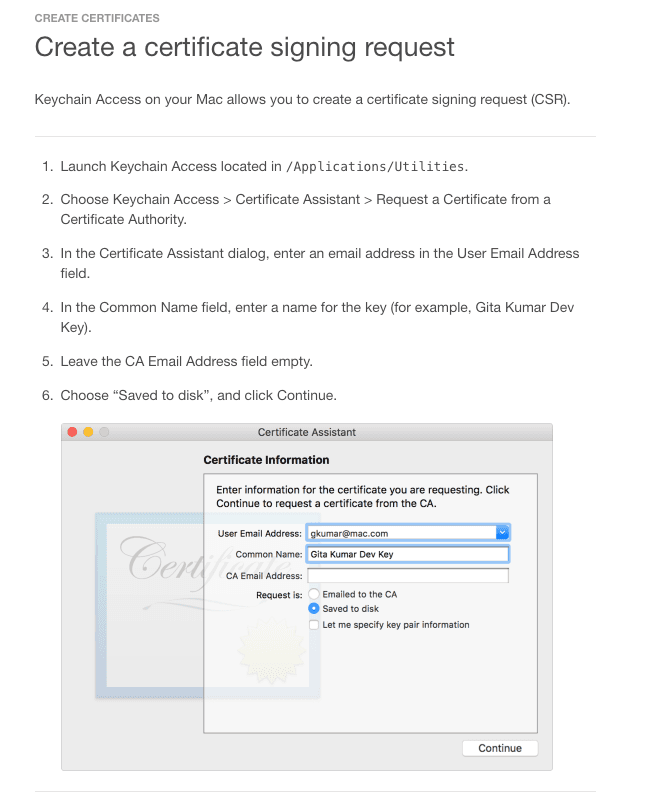
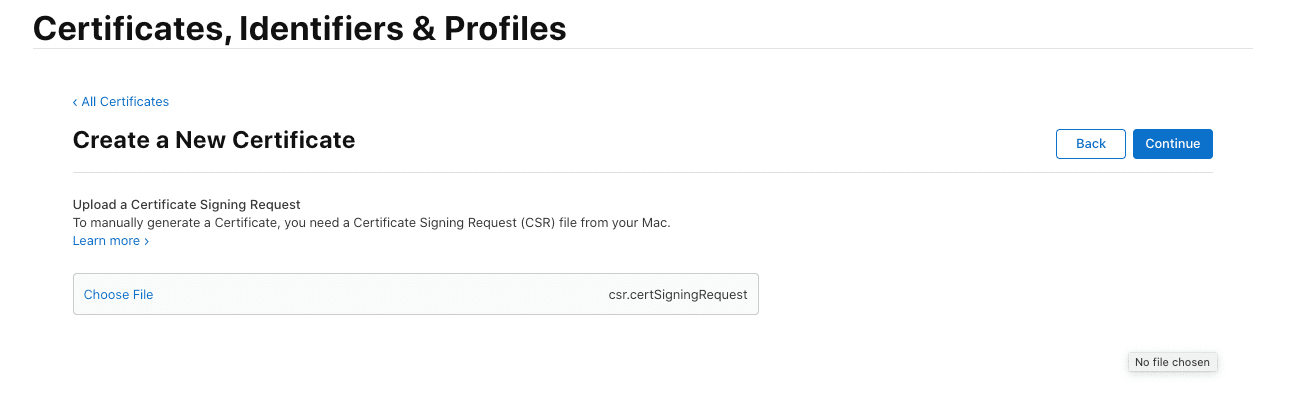
You will then need to upload a certificate signing request. This can be created with the ‘KeyChain Access’ tool on your Mac. Follow the steps in the below screenshot from the Apple Developer site to create your CSR. You can then upload the saved CSR.
Confirm to create the certificate. Check its expiry date in your Apple Developer account and replace it before it expires; do not assume a twelve-month validity period. See Apple’s Developer ID guidance .
Once the certificate has been created, download it to your device and double tap to install in the MacOS keychain. Now you will need to export the certificate and private key. Using the Keychain Access application on your device locate the certificate and private key and select both.

With both highlighted, right-click and export in Personal Information Exchange (.p12) format. Keep the export password for the SessionCloud portal.

Upload the saved p12 file to the SessionCloud portal. Enter the Common Name of the certificate and the password you set earlier. Our build system will now be able to sign your Whitelabel MacOS application for distribution outside the app store.