Desktop Softphones
Answer or decline a call
An incoming call shows the caller’s name or number. Click the green phone button to answer, or the red phone button to decline.
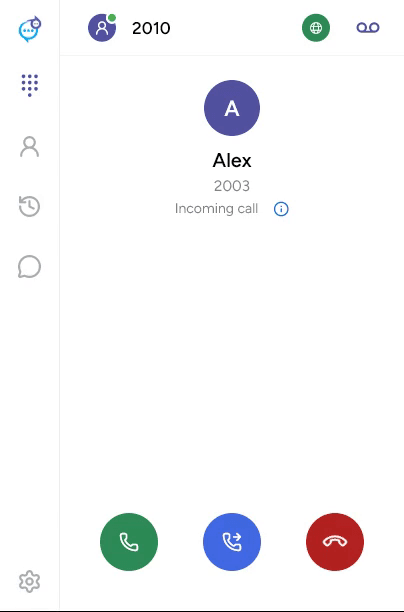
The middle button forwards the ringing call before you answer. See Forward a call.
If you already have a call, use the multiple-call controls to manage the calls. For audible alerts, check Settings > Preferences > Alerts and sounds and the selected audio devices.
Last updated on