Mobile Softphones
Advanced SIP settings
Open Menu > Settings > Accounts, select the account, then open Advanced SIP settings. Disable an enabled account before editing. Expand a section to view its settings and tap the checkmark to save your changes.
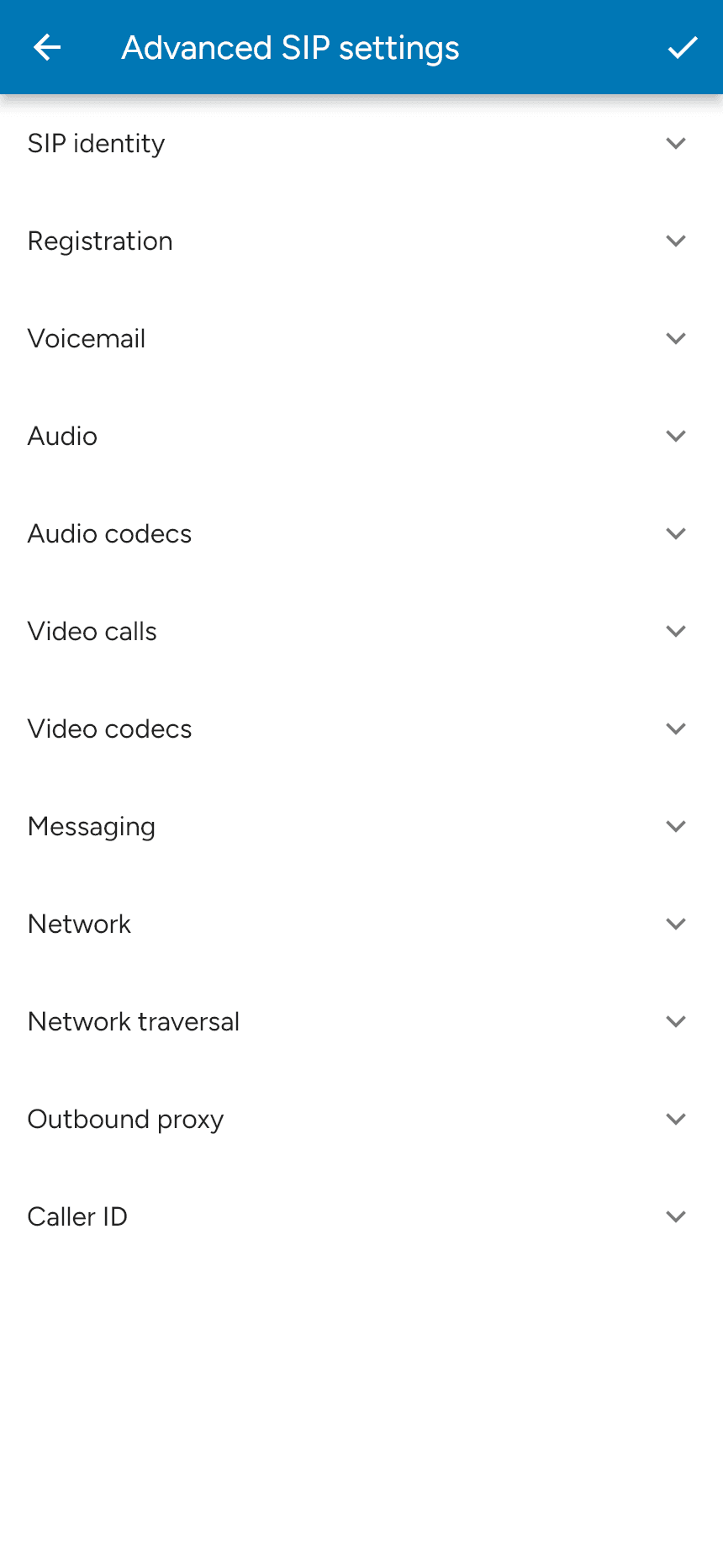
Use your service provider’s recommended values. Some options require premium features to be enabled or depend on your provider’s configuration.
| Section | Settings |
|---|---|
| SIP identity | Authentication username, display name and SIP proxy. |
| Registration | Transport, TLS certificate verification, registration expiry, incoming calls and push registration options. |
| Voicemail | Voicemail number and subscription to message-waiting notifications. |
| Audio | DTMF mode for keypad tones and audio encryption. |
| Audio codecs | Separate codec choices and priorities for Wi-Fi and mobile data. |
| Video calls / Video codecs | Video availability, automatic speaker selection and network-specific video codecs. |
| Messaging | SMS and IM/presence settings, where supported. |
| Network | IP version and UDP keepalive settings. |
| Network traversal | STUN server, STUN on Wi-Fi or mobile data, SIP traversal and static address. |
| Outbound proxy | Proxy enablement, domain, transport and Proxy-Require: Nortel. |
| Caller ID | Incoming caller ID handling and whether to ignore the display name. |
For step-by-step guides, see Codecs, Voicemail and Messaging. Push registration modes are explained in Push setup.
Last updated on