Mobile Softphones
Choose the default outgoing account
Open Menu > Settings > Accounts. The Dial-out account dropdown at the top selects the account used for outgoing calls.
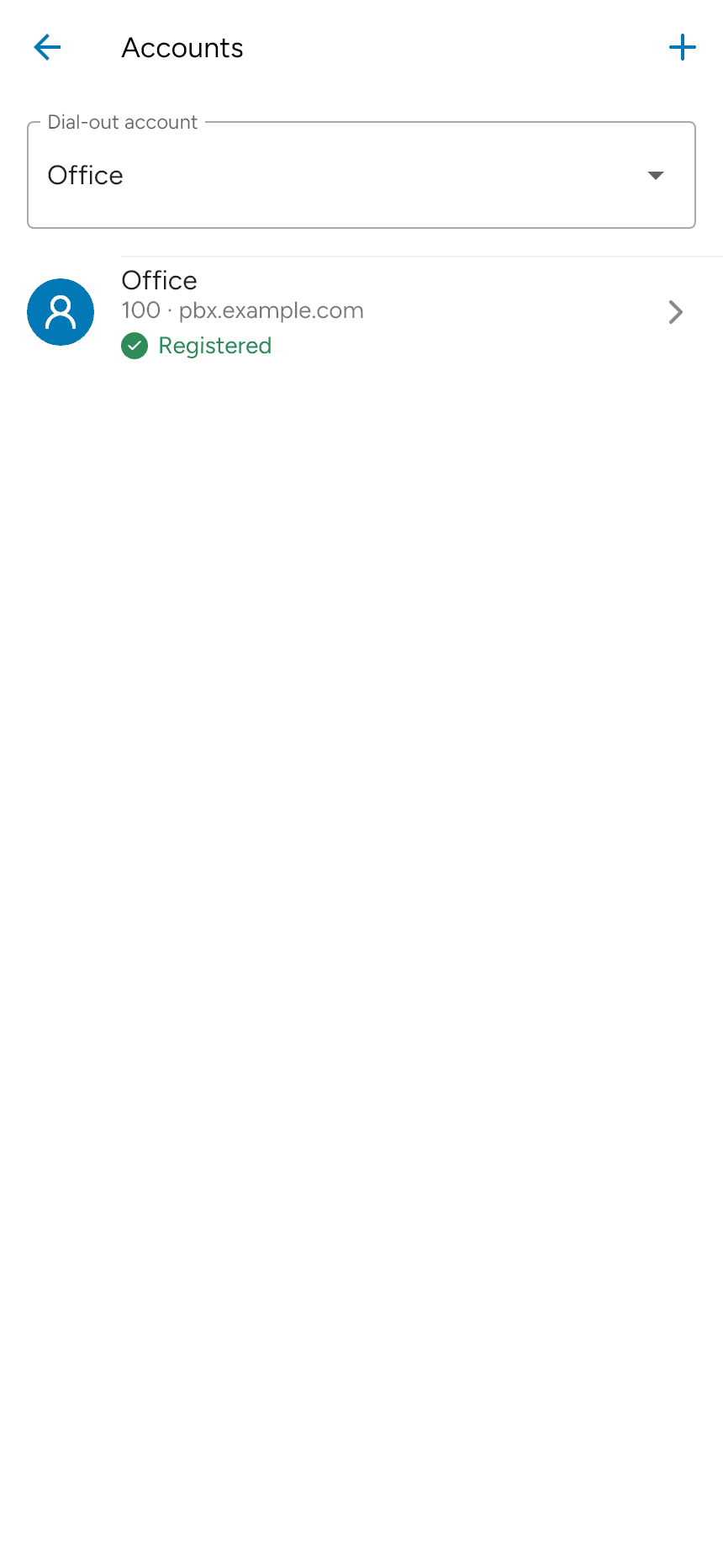
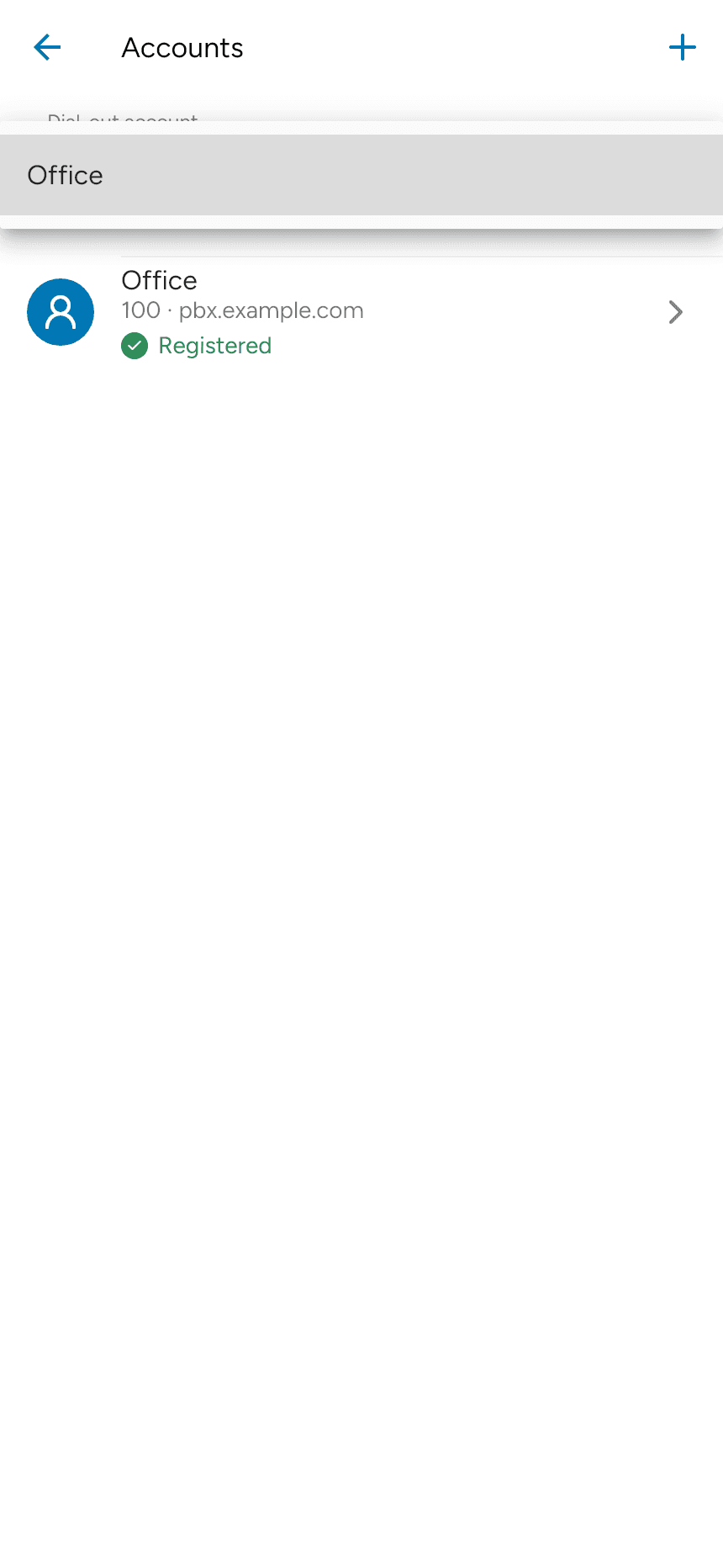
Open the dropdown and select the account you want to use. Make sure that account is enabled and registered before calling. Only accounts available in your app appear in the list.
Last updated on