Desktop Softphones
Manage codecs
Open Settings > Accounts, select your account and disable it before editing. Open Advanced SIP settings > Audio codecs and expand the codec list you want to change.
Use the checkboxes to enable or disable codecs. Drag the handle at the right to change priority: codecs near the top are preferred. The actual codec depends on what your provider and the other endpoint support.
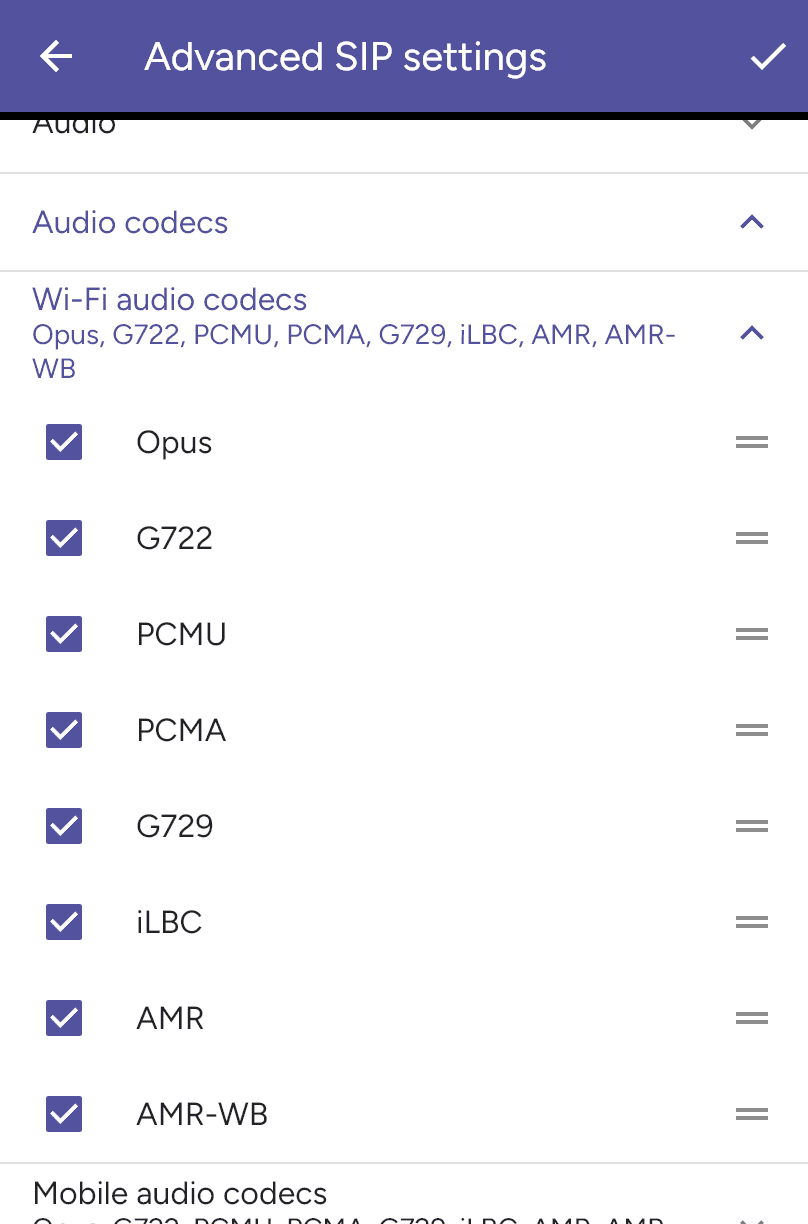
Save with the checkmark and re-enable the account. Video codecs have a separate Video codecs section when video is available. Use your provider’s recommended codec settings.
Last updated on