Desktop Softphones
Enable SIP messaging
Your SIP provider must support messaging. Premium features may also need to be enabled. Provider-provisioned accounts can have these options controlled centrally.
Open Settings > Accounts, select the SIP account and disable it before editing. Open Advanced SIP settings > Messaging. Turn on Enable IM & Presence for SIP instant messaging and presence. Use Enable SMS only if your provider supports SMS through the account.
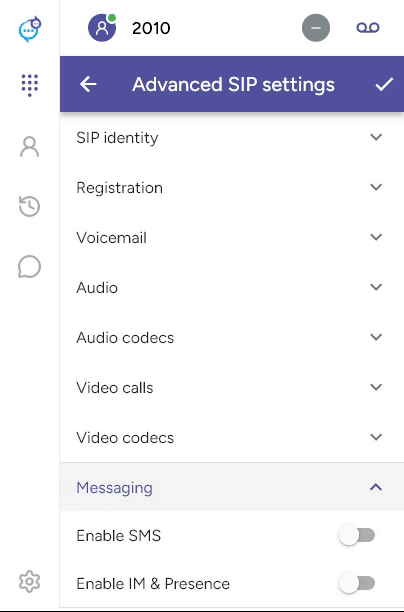
Save with the checkmark and re-enable the account. The screenshot shows the switches before they are enabled.
Open Messages in the sidebar. Available categories depend on the services configured. XMPP uses a separate IM account setup; enabling SIP IM does not create an XMPP account.
Last updated on