Google Play Store Approval
Complete the declarations requested for the app bundle you are submitting. Google requires apps targeting Android 14 or later to describe their foreground-service uses and provide demonstration videos in Play Console. See Google’s foreground-service and full-screen intent guidance .
Check the current build
The current Android app uses a phoneCall foreground service with FOREGROUND_SERVICE_PHONE_CALL. Do not copy the camera, microphone and media-playback service declarations from the older app. Check the permissions in your final app bundle and answer the Play Console questions for that build. Camera and microphone runtime permissions are separate from foreground-service types. See Android’s service-type reference .
Record the calling behaviour
Record your branded app receiving a call while backgrounded, accepting it, maintaining the call and ending it. Show the incoming and ongoing call notifications as well as the in-app controls. Use test accounts and keep credentials out of the recording.
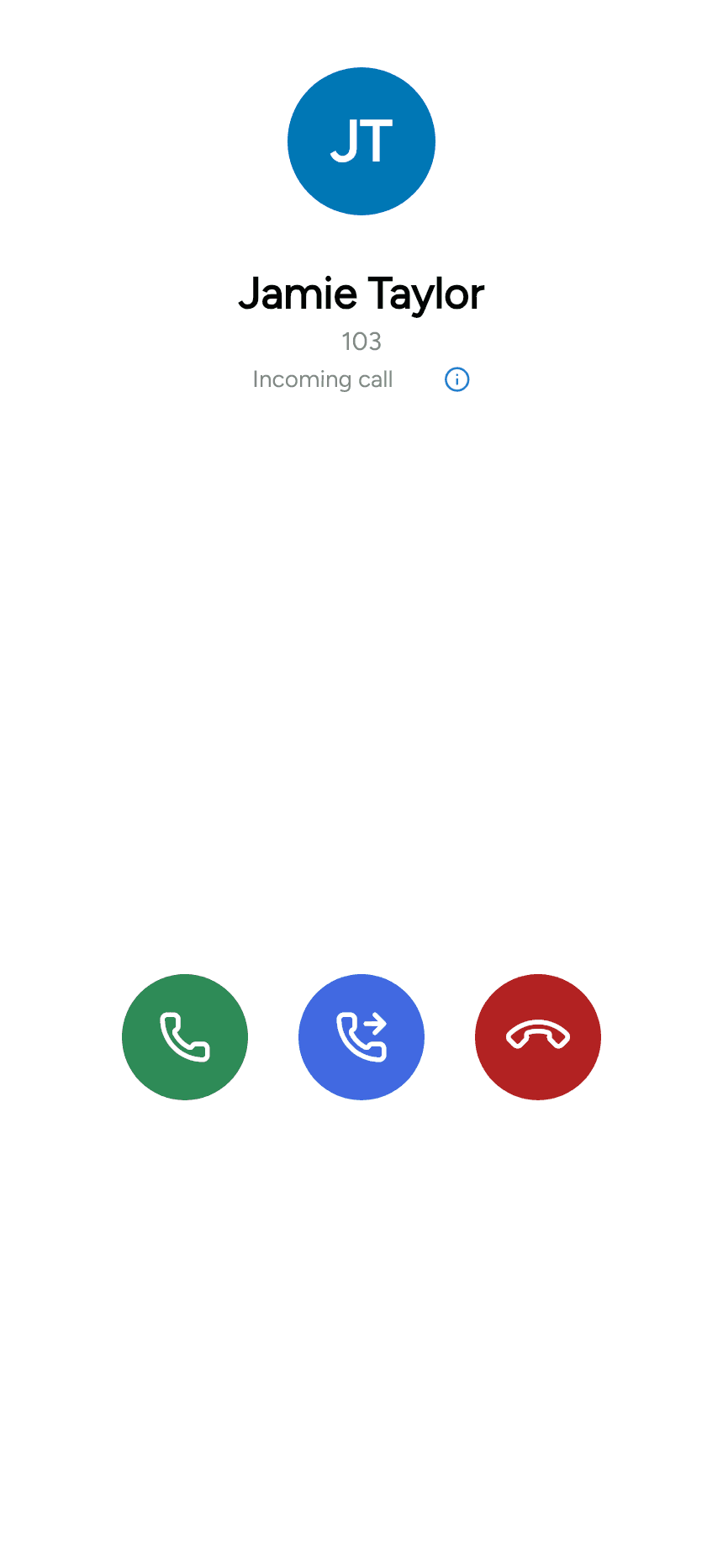
Explain that the service supports user-visible VoIP calls and what would happen if it were interrupted. Supply a working video link showing the actual submitted app. A screenshot alone does not replace Google’s requested video.
Full-screen incoming calls
The app also declares USE_FULL_SCREEN_INTENT. Complete the corresponding Play Console declaration for its calling functionality. Notification and full-screen access on the device still affect how incoming calls appear. Follow the current Play Console requirements when submitting; completing a form does not guarantee approval.