Place an audio or video call
Check that the account is registered, then open Phone. Enter the destination using the keypad or number field and tap the green phone button.
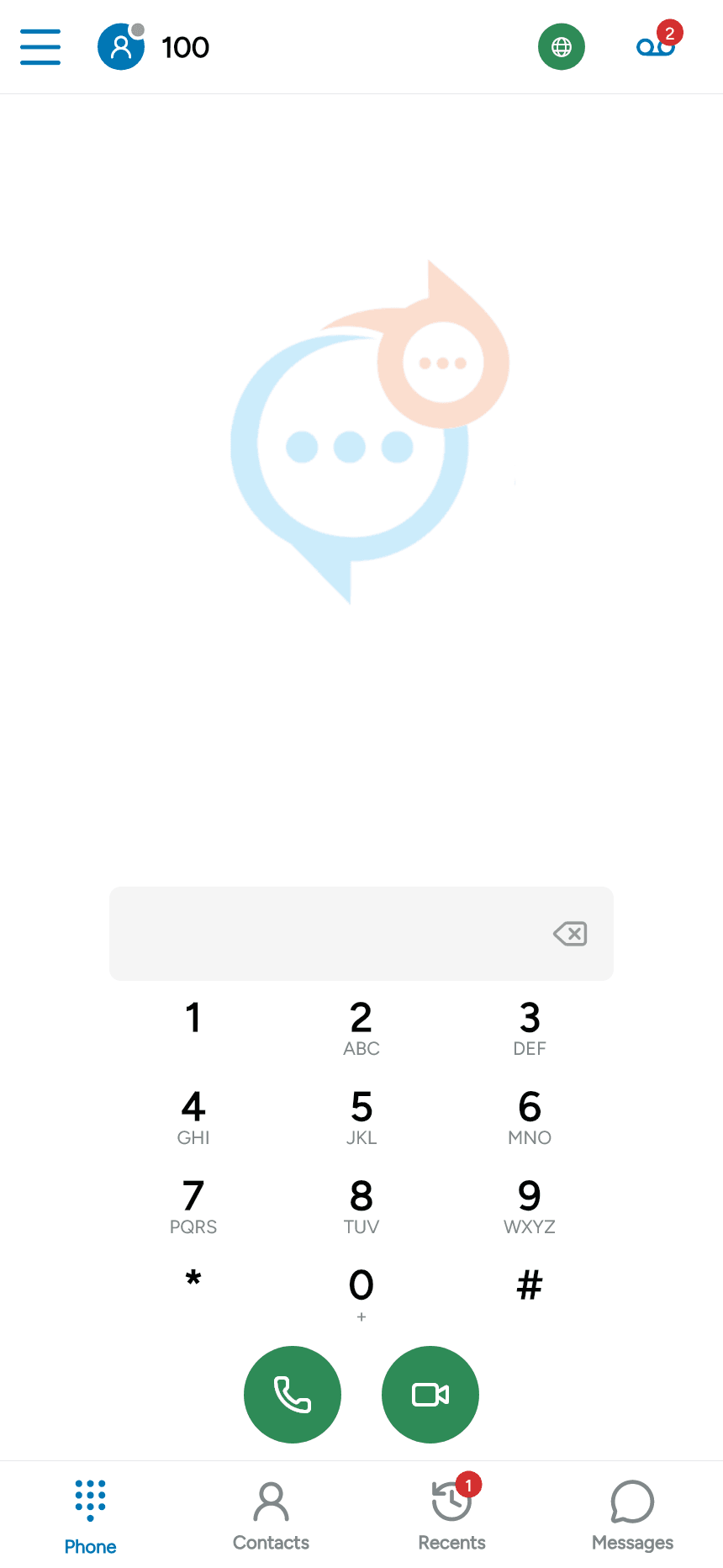
You can also start a call from a contact or an entry in Recents. Open its details and tap the phone icon beside the person or number you want to call.

Video calls
Use the video-camera button to request a video call. Video requires camera permission, a compatible service and recipient, and video enabled for the account. Video controls may require premium features to be enabled. A disabled control cannot start video.
During a call
The call screen provides hold, mute, speaker, recording, transfer, keypad, video and add-call controls as available. Tap the keypad control to send tones to an automated menu. Tap the red phone button to end the call.
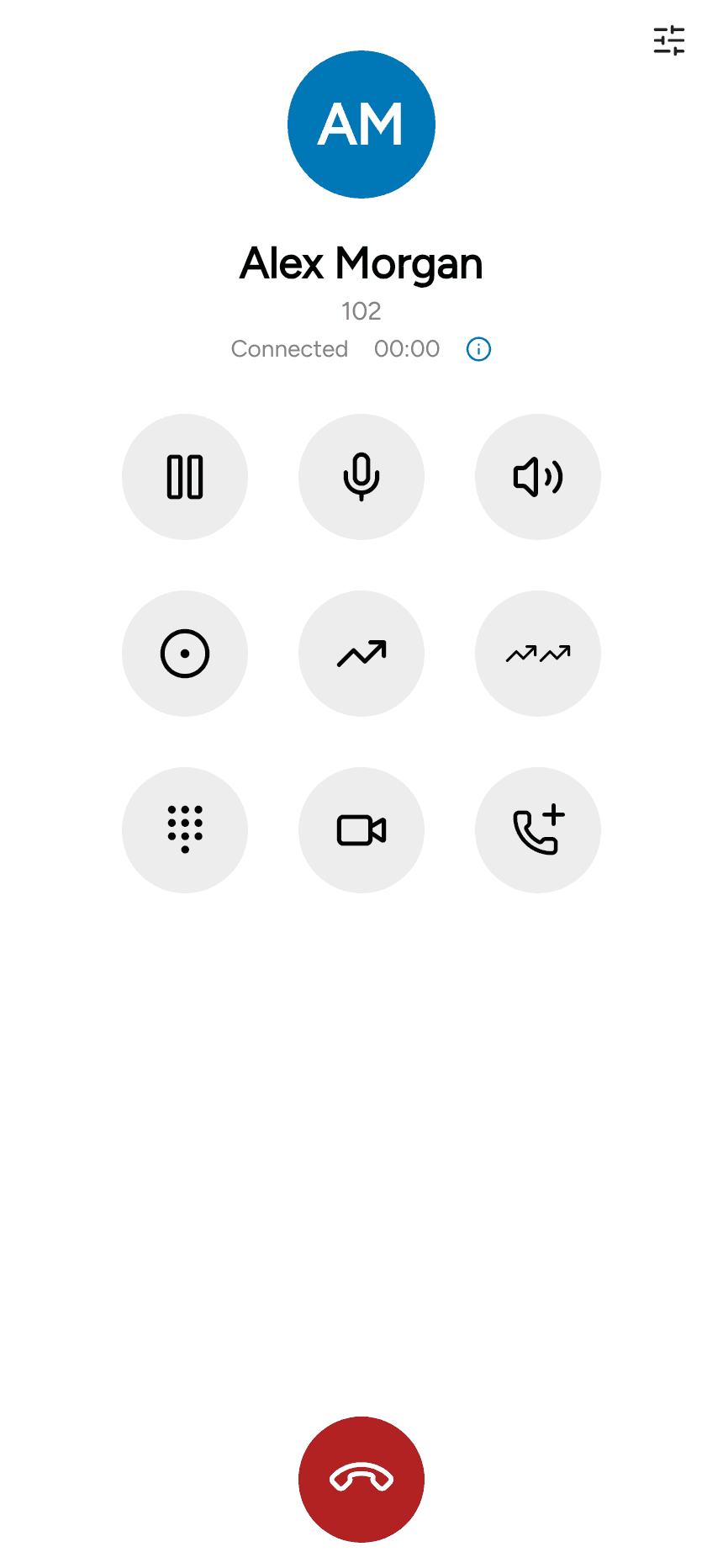
See Multiple calls and Call transfer for the additional call controls.