Desktop Softphones
Manage call history
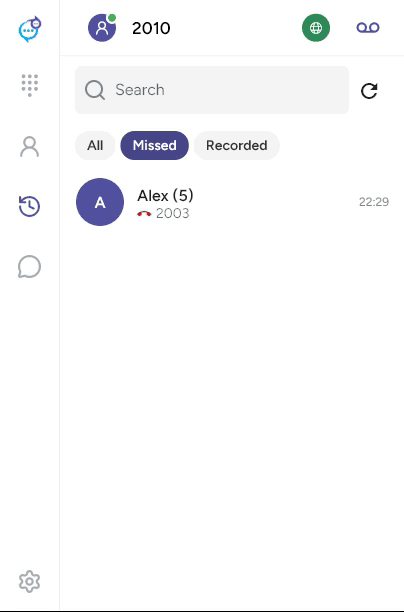
Open Recents in the sidebar. Use Search to find a caller and select All, Missed or Recorded. Click refresh to reload the list. A number beside a caller indicates grouped call entries.
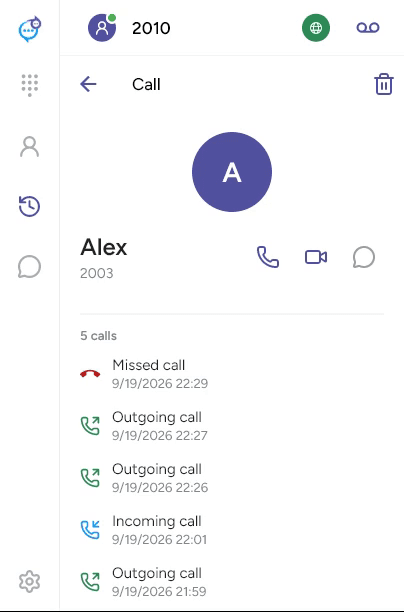
Open an entry to see its direction, date and duration where available. Use the phone, video or message icon for the corresponding action. The trash icon removes that local history entry.
The Recorded filter shows calls with recordings. See Record and play back a call.
Last updated on