Troubleshoot incoming push calls
First confirm the account can receive calls while the app is open. If it cannot, resolve SIP registration or routing before testing push.
Check the account settings
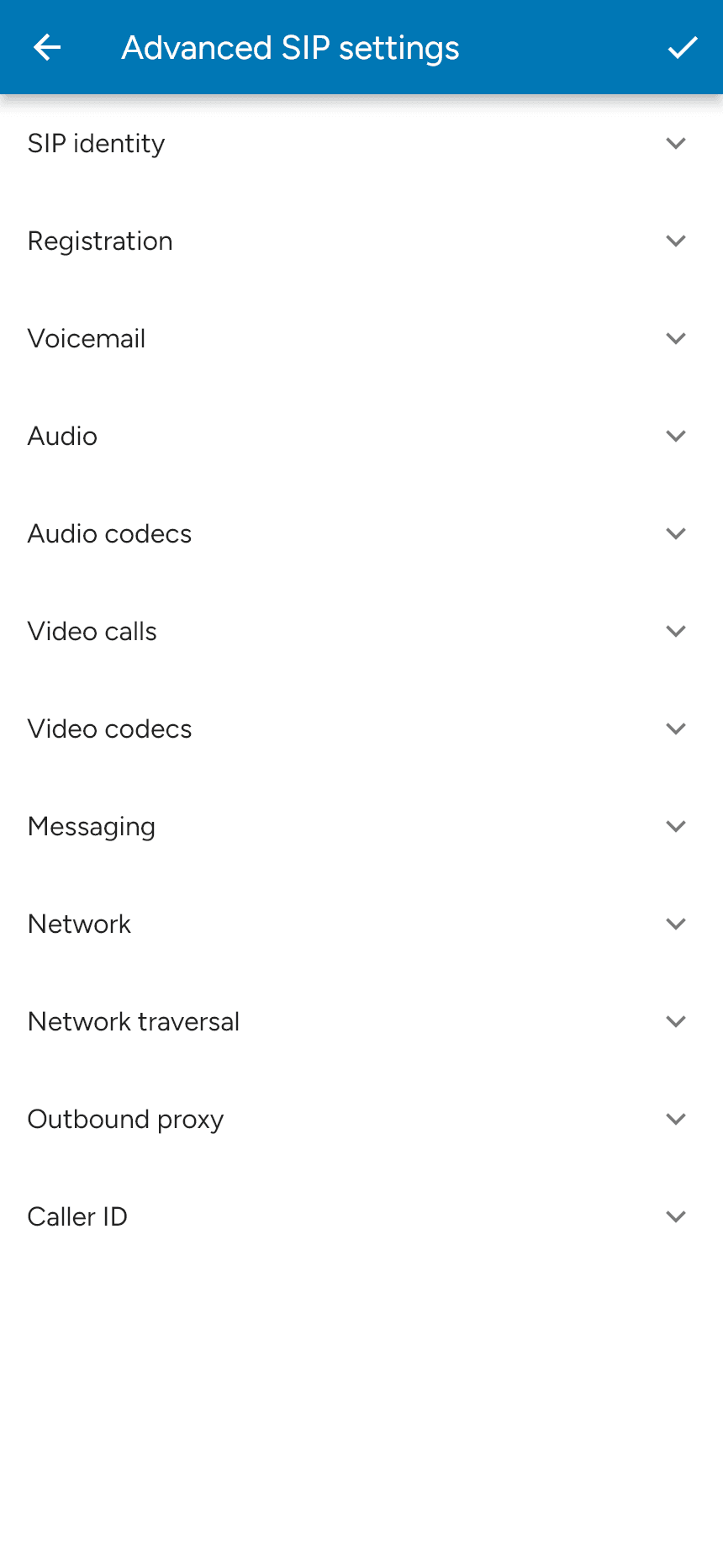
For a standalone mobile SIP account, open Menu > Settings > Accounts, select the account and disable it before editing. Under Advanced SIP settings > Registration, check Incoming calls and Push registration mode, where available. Save and re-enable the account. Premium features may need to be enabled.
Provider-provisioned accounts can have push settings controlled centrally. Check the provider’s push enablement and any private push-server override. SessionPBX uses its separate hosted push configuration.
Check the network and phone
The configured push server must be able to reach the PBX. A private PBX needs an appropriate route from that server; a public push service cannot reach an isolated private address. Check the PBX firewall and any automatic IP blocking. For the shared service, see Push IP addresses; a private push server uses its own addresses.
Review notification access under Menu > Settings > Permissions, then check the phone’s notification, Focus/Do Not Disturb and battery restrictions. Company networks must permit the relevant Apple APNs traffic and Google FCM traffic , as well as the configured push-server connection.
Capture a useful test
Enable Settings > Preferences > Enable log, reproduce the issue, then open Settings > SIP log and use its share action. Include the time, calling and called numbers, whether the app was foregrounded or backgrounded, and whether the call rang but ended after answering. Turn logging off afterwards.
For duplicate registrations, compare the PBX contacts with the selected registration mode. MultipleRegistrations intentionally keeps the push-server binding while the app registers independently. A CallKit or Android incoming-call screen confirms an alert appeared; it does not confirm the SIP call completed.
Contact your provider or support@sessiontalk.co.uk with the test details and log.