Desktop Softphones
Send a SIP message
Open Messages in the sidebar. Click + and choose New IM, then select a recipient. Available options depend on your configured messaging services. For SIP IM, select one recipient for the conversation.
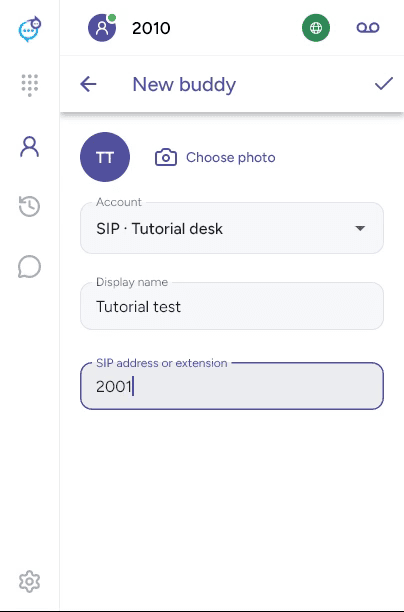
You can also open Contacts > Buddies, add a buddy under the appropriate SIP account and open their conversation. Enter their Display name and SIP address or extension when adding them.
Type in Message and click the send arrow. Attachment availability depends on your account and service.
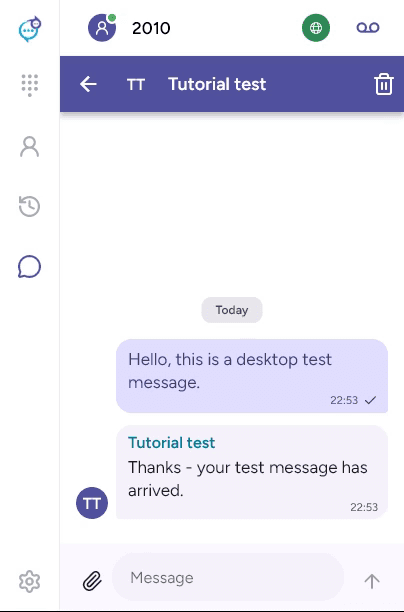
Use the trash control and confirm to delete the conversation history on this device. This does not remove the other person’s copy. See Enable messaging if the option is unavailable.
Last updated on