Desktop Softphones
Organise contact groups
Open Contacts. Group tabs appear beneath Search. Select a group to show its contacts.
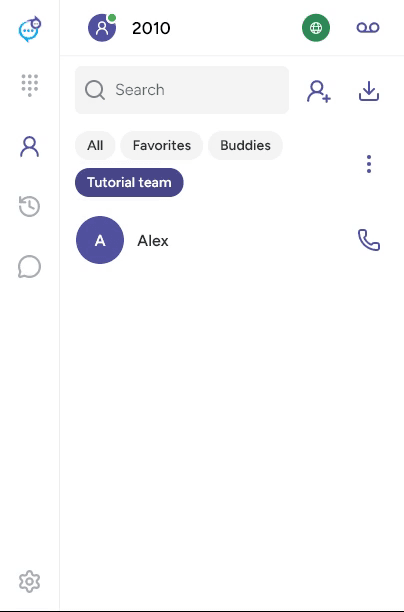
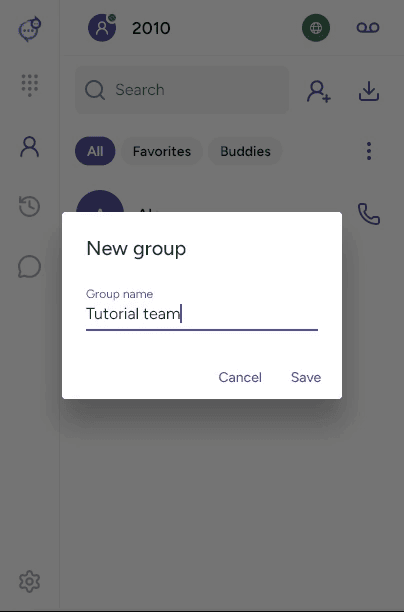
Open the three-dot Group actions menu beside the tabs and choose New group. Enter a name and click Save.
Edit a contact, scroll to Groups, select the groups it belongs to and save. A contact can belong to several groups.
For a local group, select its tab and open Group actions to rename or delete it. Confirm deletion when prompted. Deleting the group keeps its contacts. Provider-managed groups may be read-only.
Last updated on