Mobile Softphones
Forward a ringing call
Forwarding redirects an incoming call before you answer it. Your SIP service must support the operation.
On the incoming-call screen, tap the forwarding button between the green answer and red decline buttons.
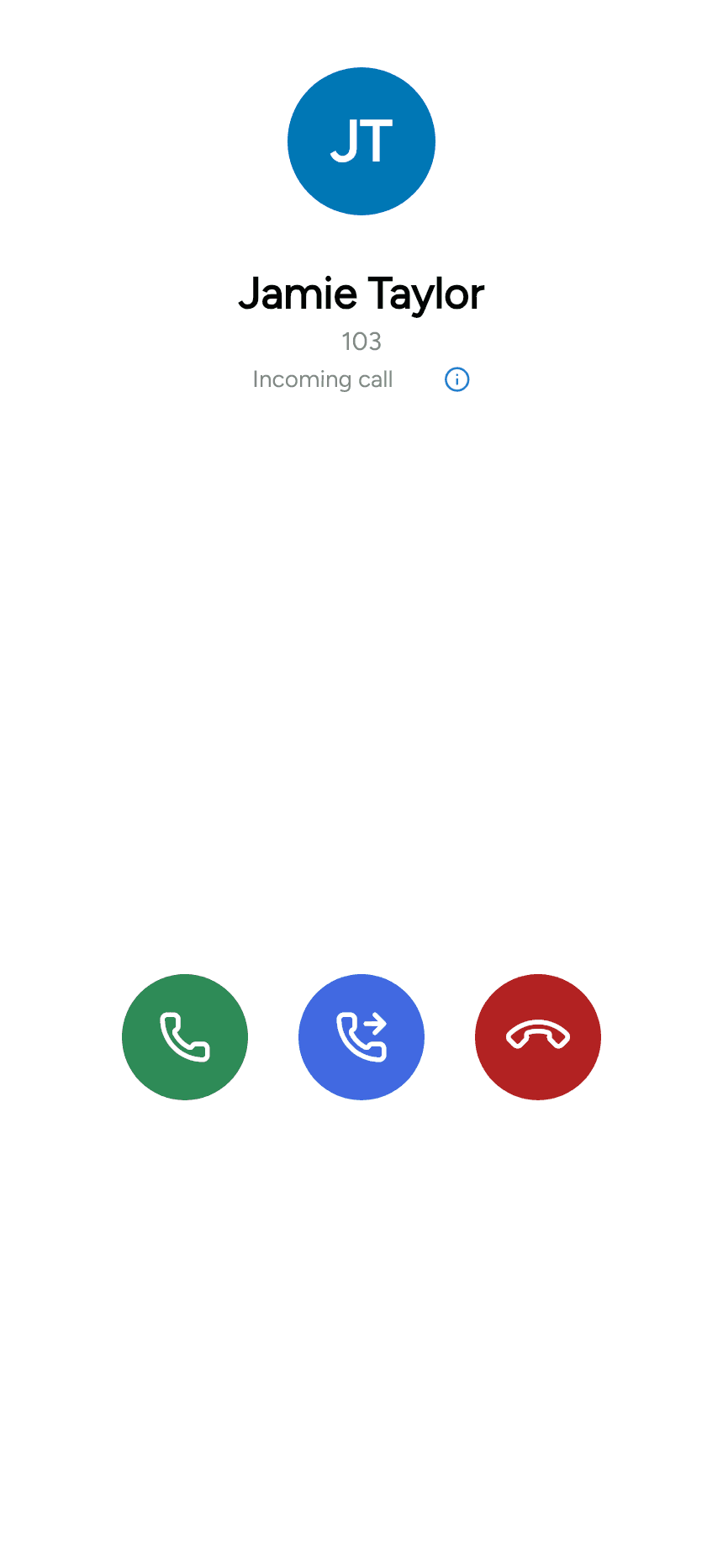
The app returns to the main screen with Select forwarding destination at the top. Enter a destination on the keypad, or select one from Contacts or Recents, then use the forwarding action to redirect the call.
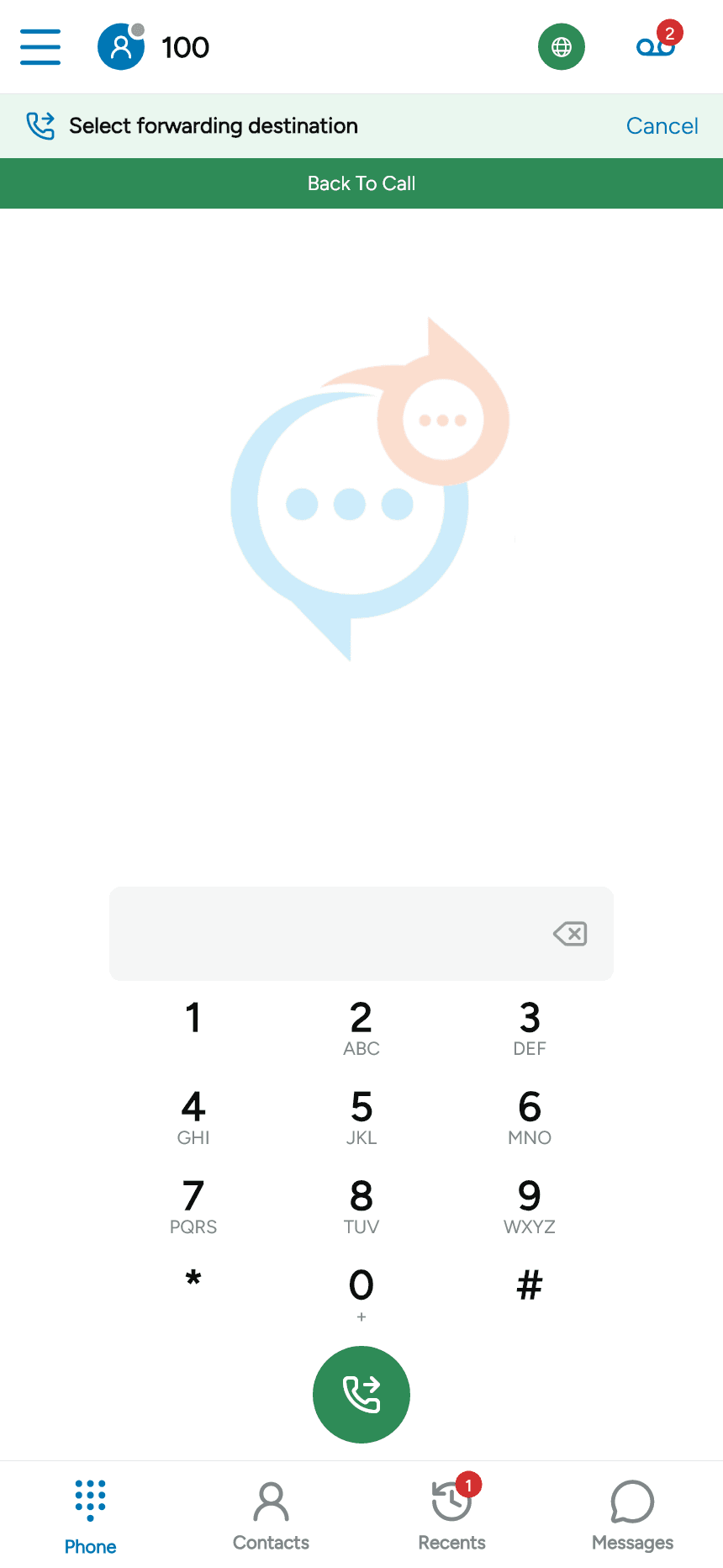
Tap Cancel to leave destination selection, or Back To Call to return to the ringing call. For a call you have already answered, use Call transfer.
Last updated on