Desktop Softphones
Manage ringing sounds
Open Settings > Preferences > Alerts and sounds. Use Incoming call sounds to enable or silence the ringing sound, then save with the checkmark.
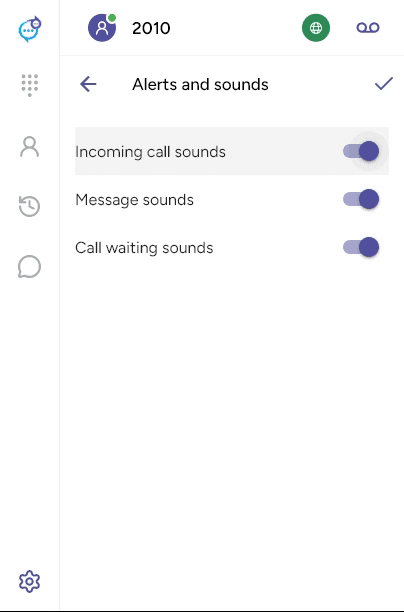
To choose where ringing plays, open Settings > Preferences > Devices, scroll to Other devices and set Ring on. End any calls before saving.
The current app does not provide a custom ringtone file picker. See Sounds and notifications for the other sound controls.
Last updated on