Access voicemail
The voicemail icon at the top right of the main screen opens voicemail for the selected account. A badge can show new messages when your service supplies message-waiting information.
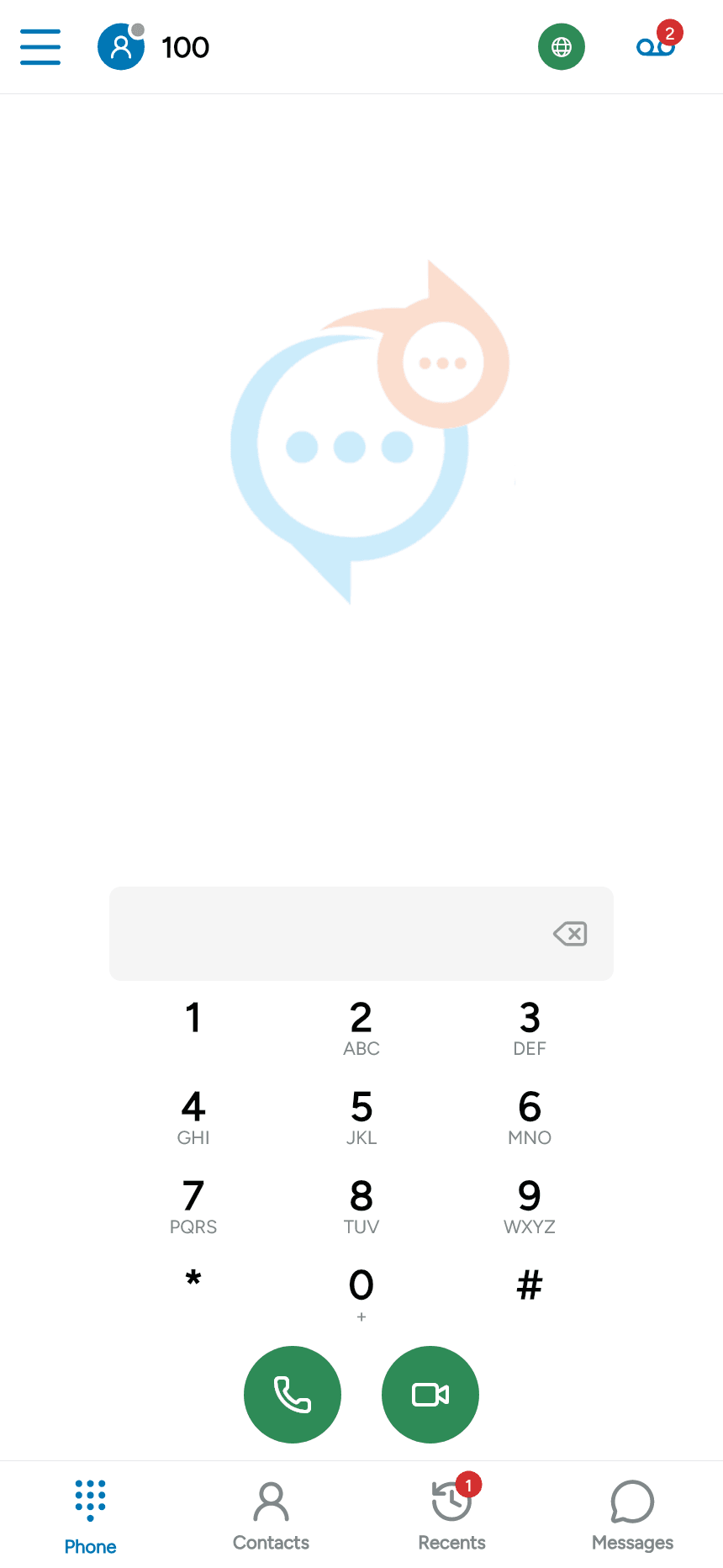
For a SIP account, tap the icon to call the configured mailbox. If a message summary appears first, tap Call voicemail. Follow your provider’s prompts; use the in-call keypad when you need to enter a PIN or menu choice.
Configure the mailbox number
Open Menu > Settings > Accounts, select the account and disable it before editing. Open Advanced SIP settings > Voicemail.
Enter the Voicemail number supplied by your provider. Enable Subscribe to voicemail notifications if the provider supports message-waiting subscriptions. The example uses *97; your service may use a different number.
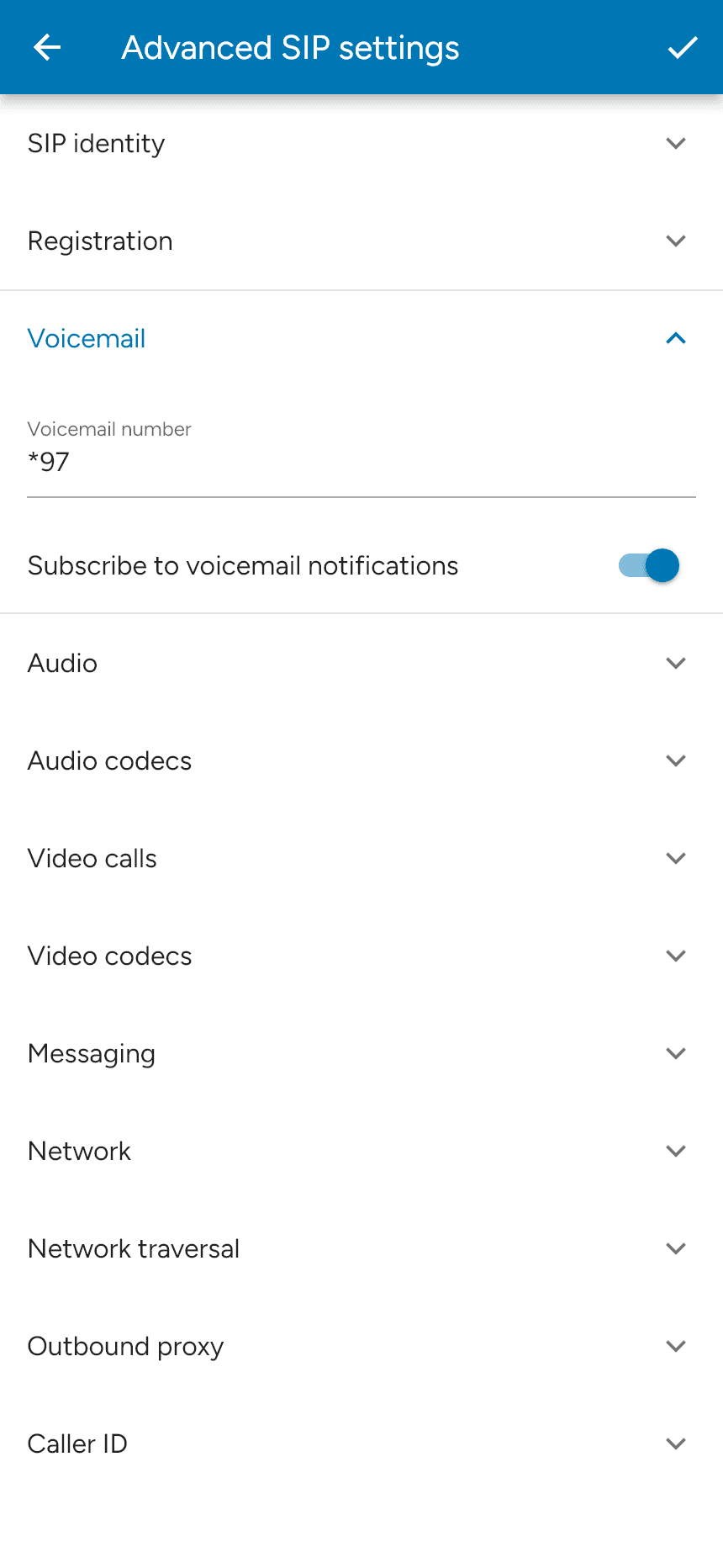
Tap the checkmark to save and re-enable the account. Provider-hosted voicemail may use a mailbox list instead of this SIP dial-in flow.