Desktop Softphones
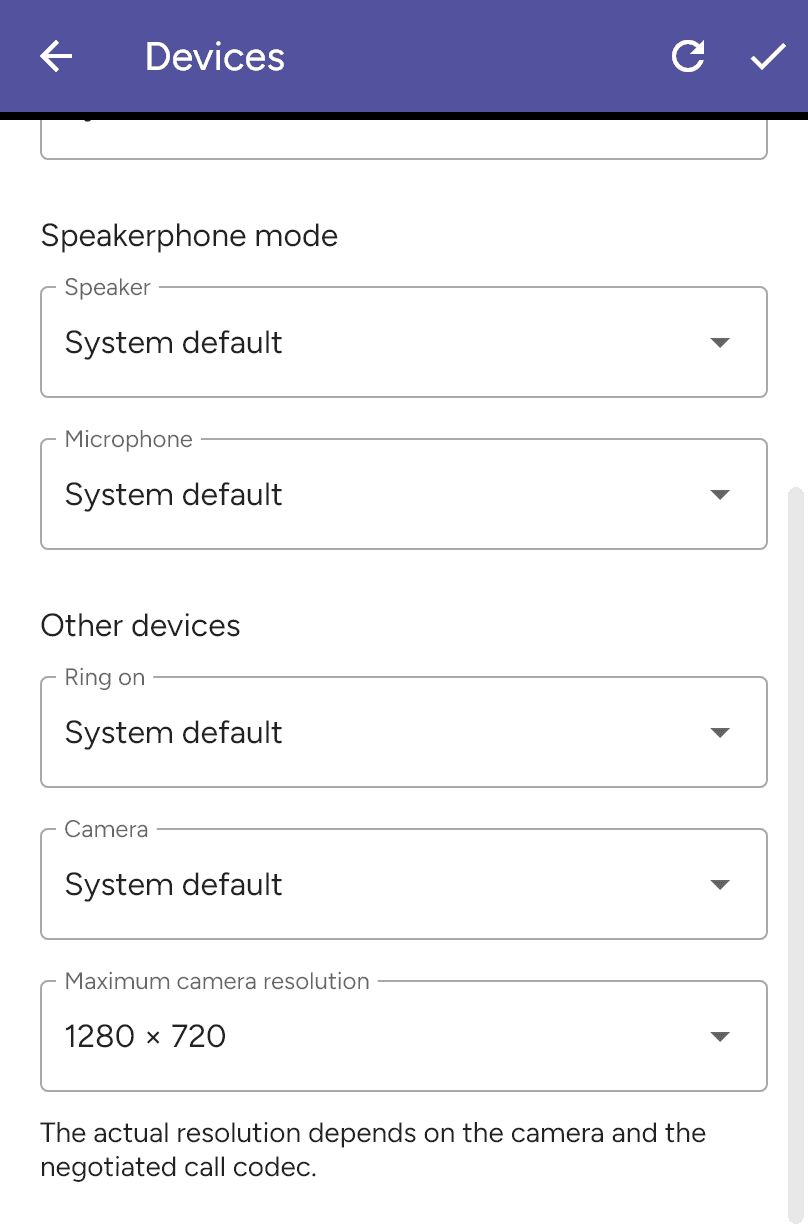
Choose the maximum camera resolution
Open Settings > Preferences > Devices and scroll to Other devices. Select your Camera, then choose Maximum camera resolution. End any calls before saving with the checkmark.
Available resolutions depend on the selected camera. The actual resolution also depends on the negotiated call codec and remote endpoint. A saved maximum is a limit, not a guarantee of that resolution during every call.
See Choose your camera and Enable video.
Last updated on