Mobile Softphones
Manage codecs
Open Menu > Settings > Accounts and select your account. Disable it before editing, then open Advanced SIP settings.
Expand Audio codecs. Wi-Fi and mobile data have separate codec lists.
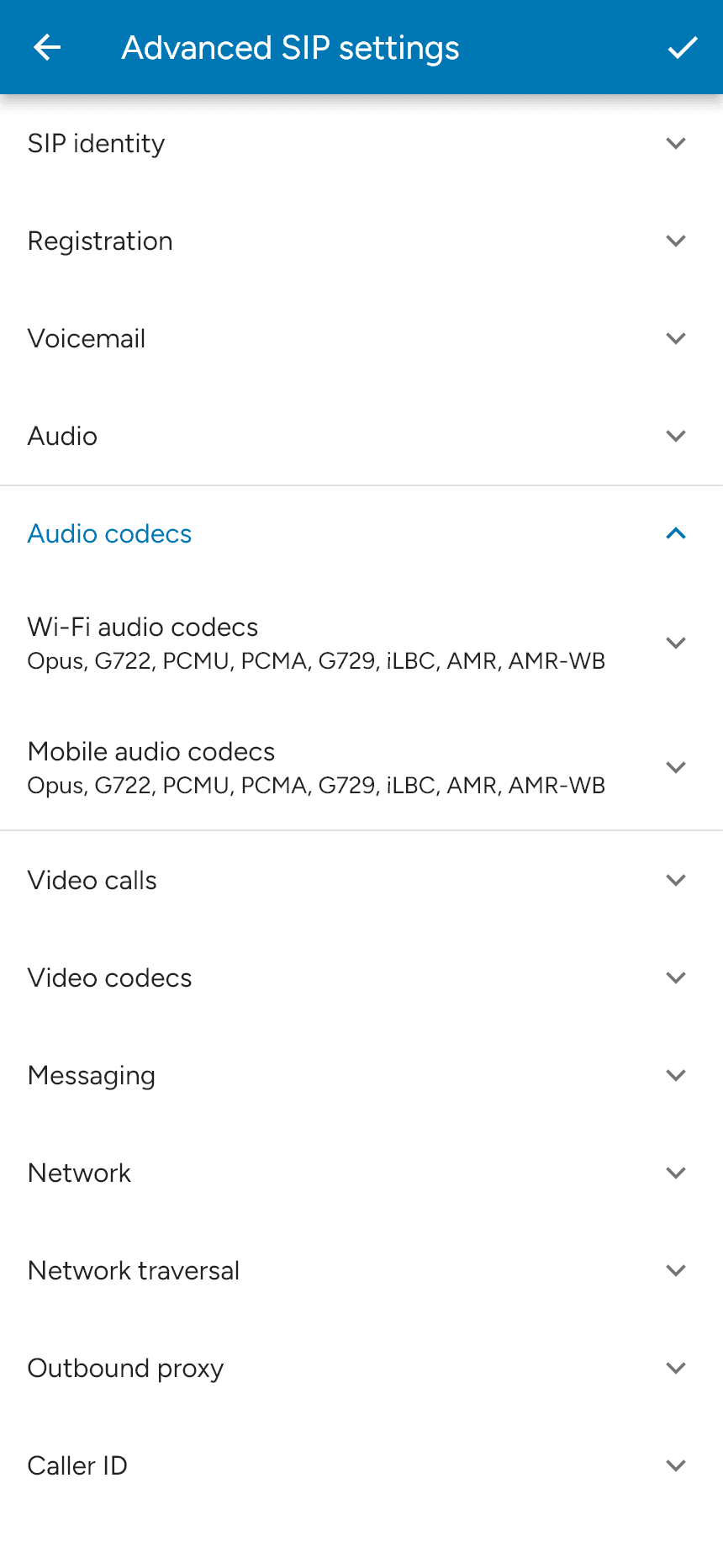
Expand the list you want to change. Use the checkboxes to enable or disable codecs, and drag the handle at the right of a codec to change its priority. Codecs near the top are preferred; your service and the other endpoint determine which compatible codec is used.
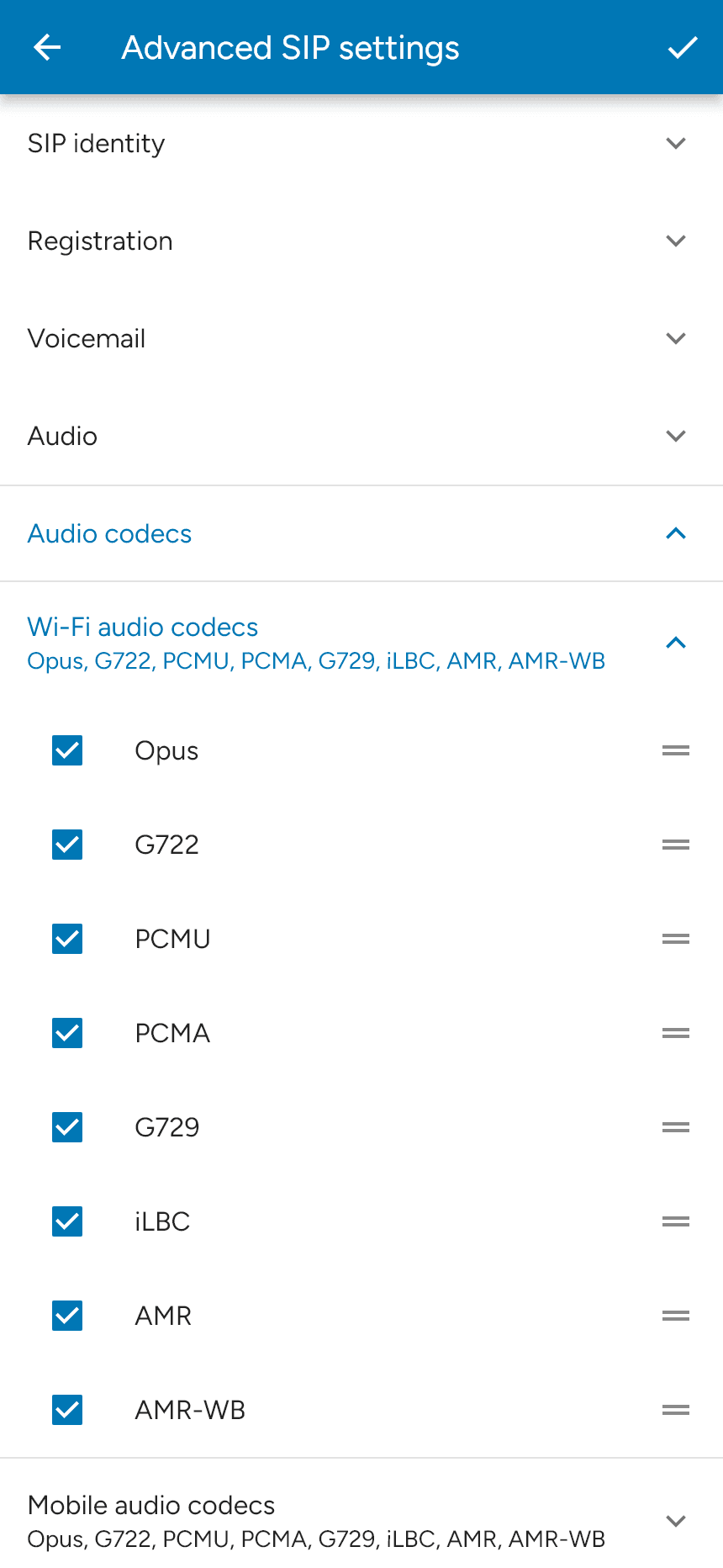
Tap the checkmark to save, then re-enable the account. Use codecs supported by your provider. Video codecs are configured in the separate Video codecs section when video is available for your account and enabled features.
Last updated on