Desktop Softphones
Control sounds and notifications
Open Settings > Preferences > Alerts and sounds. Turn Incoming call sounds, Message sounds or Call waiting sounds on or off, then save with the checkmark.
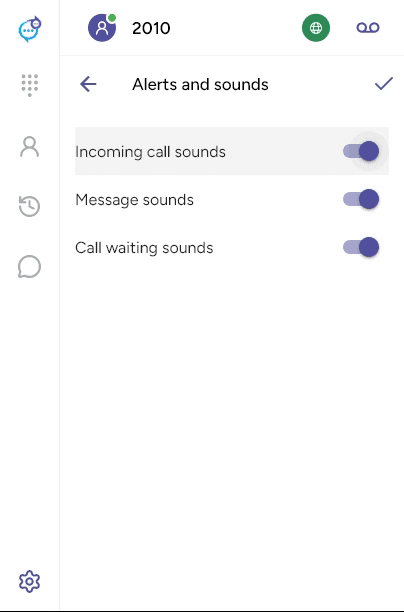
Call waiting sounds alert you to another call while a call is active. These switches control app sounds. System notification permissions and focus settings are managed separately in Windows or macOS settings.
For the ringing output device, open Settings > Preferences > Devices and use Ring on under Other devices.
Last updated on