Mobile Softphones
Manage call history
Open Recents in the bottom tab bar. Use Search to find an entry, and select All, Missed or Recorded to filter the list. Tap the refresh icon to reload it.
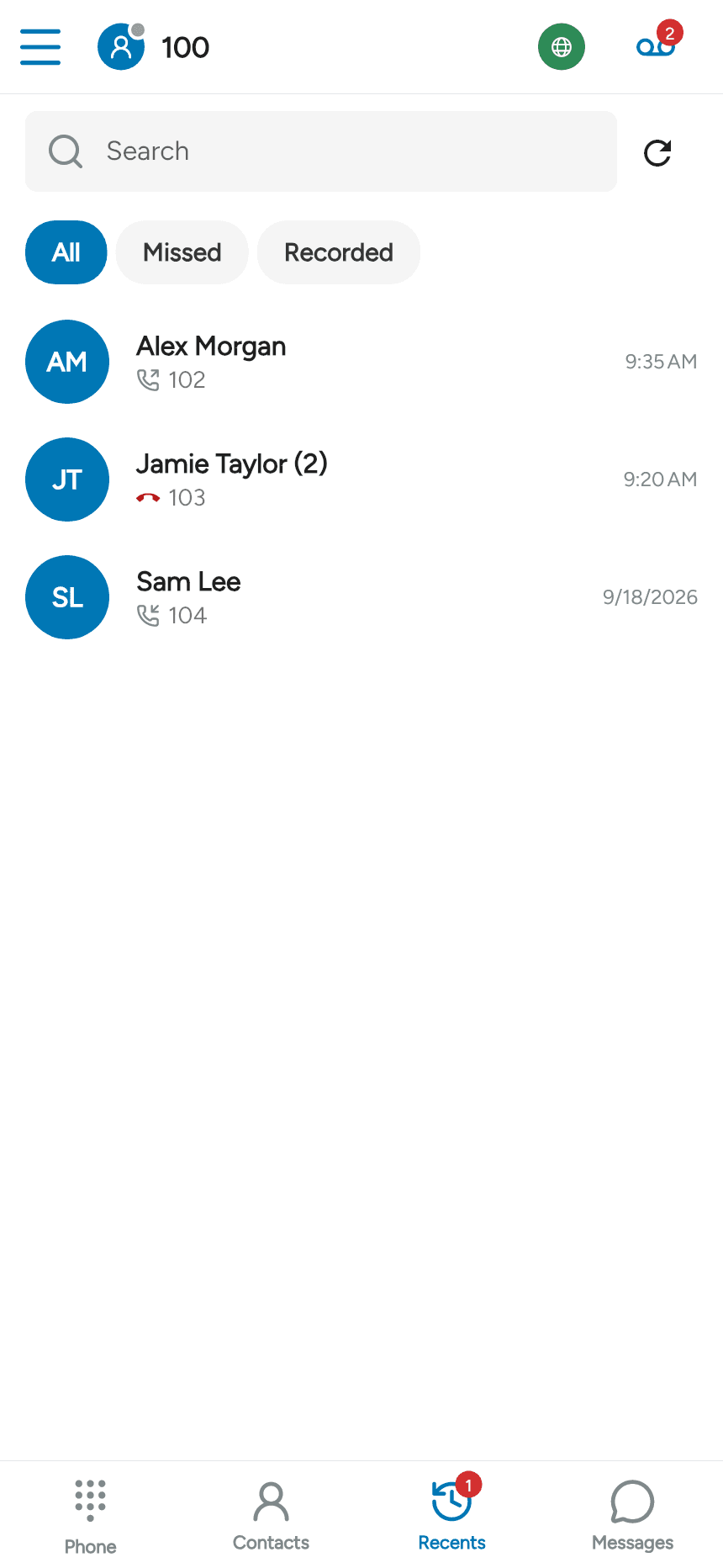
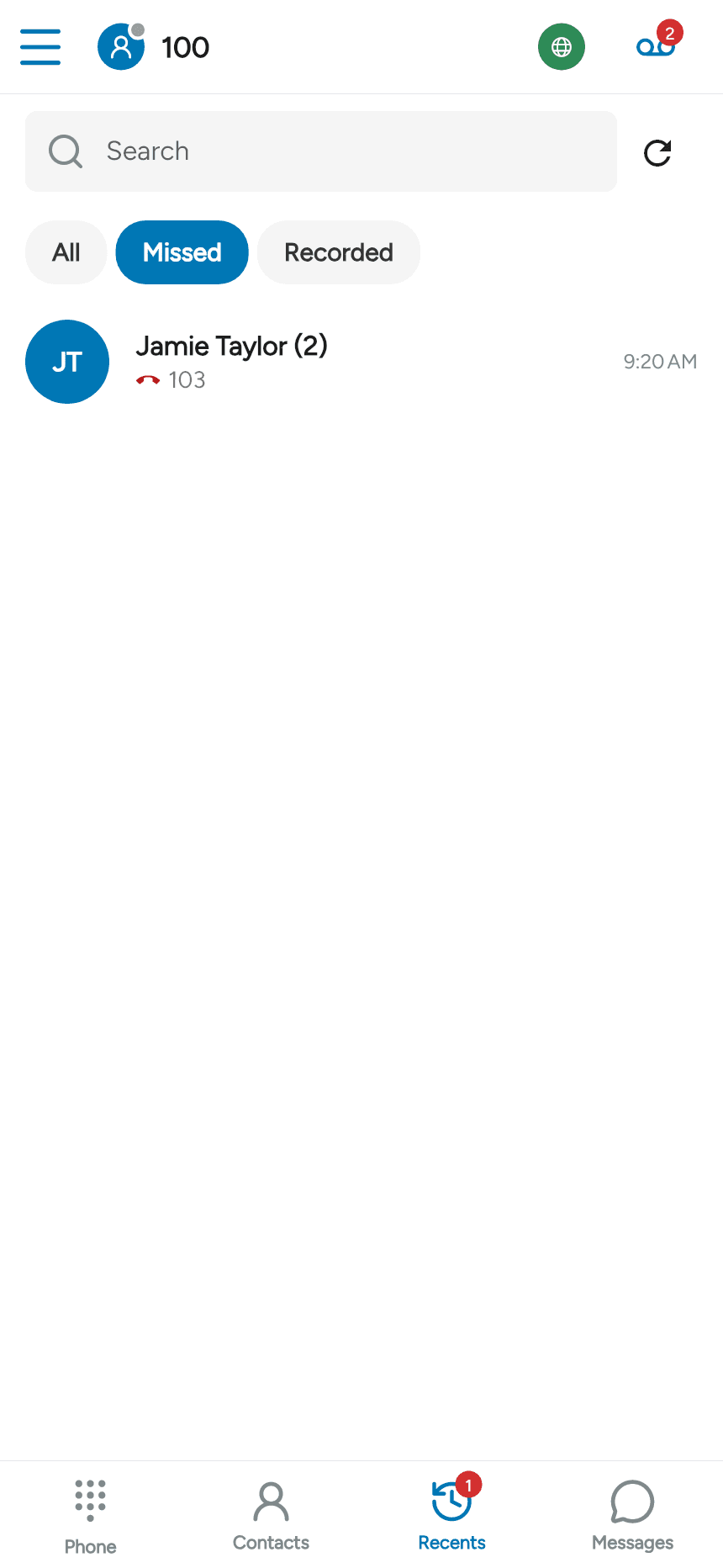
Missed shows calls you did not answer. A count beside a name indicates grouped entries for that caller.
Open an entry to view its call history, including the direction, date and duration where available. The phone, video and message icons provide the corresponding actions when supported.

To remove that history entry, tap the trash icon at the top right. The Recorded filter shows entries with recordings; playback is available when the recording can be accessed.
Last updated on