Desktop Softphones
Choose your microphone
Open Settings > Preferences > Devices. Choose Microphone under Headset mode and Speakerphone mode. The Use speakerphone mode switch determines which set of devices calls use.
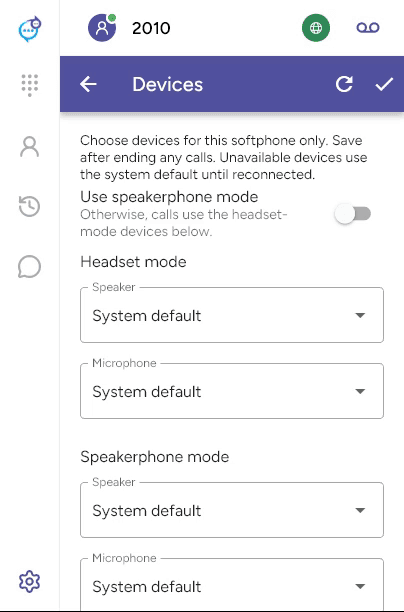
End any calls before saving with the checkmark. Use Refresh devices after connecting new hardware. System default follows the operating system’s device; an unavailable saved device falls back to the system default until it reconnects.
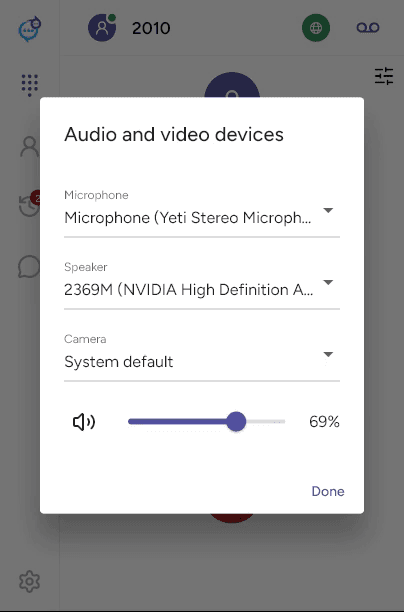
During a call, the device controls at the top right open Audio and video devices for the current call. Check that microphone permission is allowed in the operating system if your voice is not being heard.
Last updated on