Desktop Softphones
Choose your camera
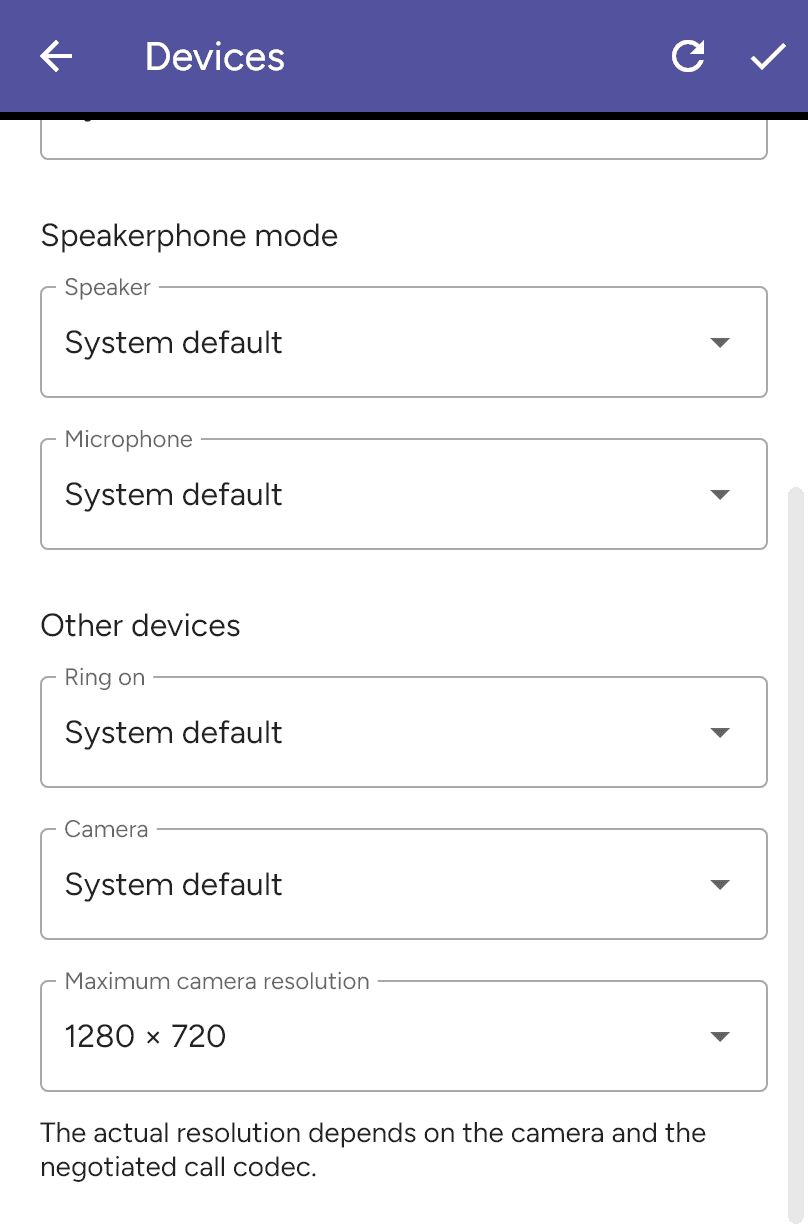
Open Settings > Preferences > Devices and scroll to Other devices. Choose Camera, then save with the checkmark after ending any calls. Use Refresh devices if a newly connected camera is missing.
System default uses the default available camera. Allow the app access to the camera in the operating system and enable video for your account.
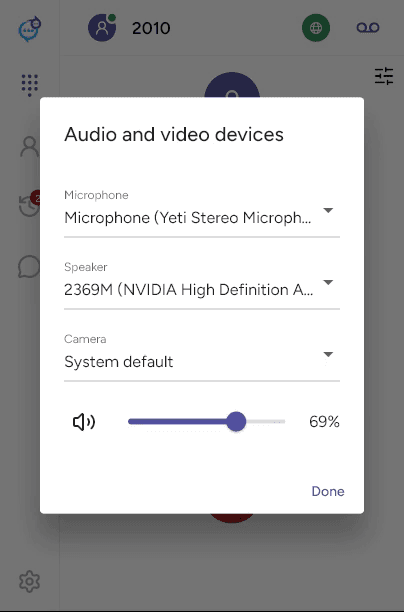
During a call, open the device controls at the top right. The Audio and video devices dialog includes a Camera selector when available.
Last updated on