Handle an incoming call
When a call arrives while the app is open, the incoming-call screen shows the caller’s name or number. Tap the green phone button to answer or the red phone button to decline.
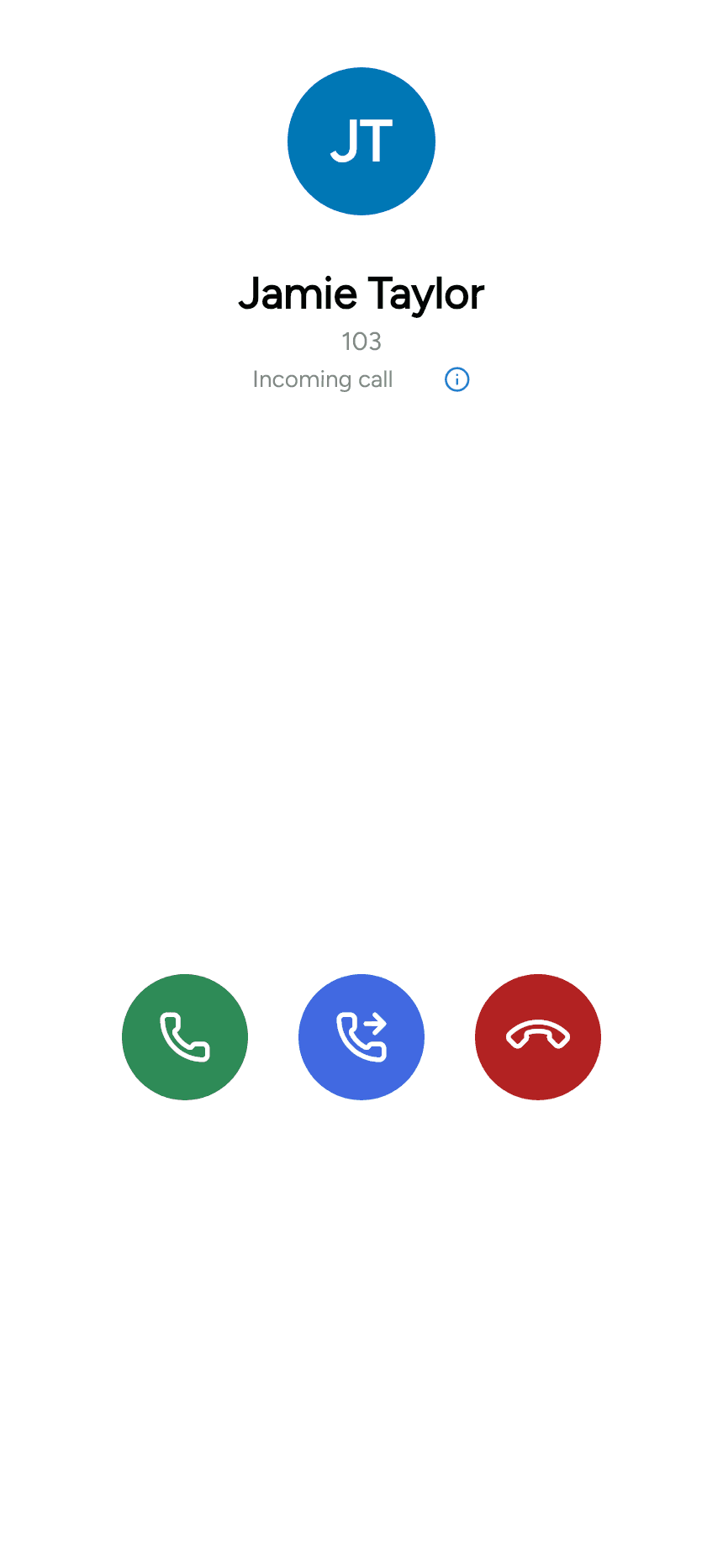
The middle forwarding button lets you redirect the ringing call before answering. See Forward a call.
Calls while the app is in the background
Android or iPhone may show its own incoming-call interface when the device is locked or the app is in the background. Use that screen’s answer or decline controls. Its appearance differs from the in-app screenshot above.
Allow the relevant permissions and use your provider’s supported incoming-call and push configuration.
Another call is already active
After handling the incoming call, use Select call to view the remaining calls and switch between them. See Multiple calls for hold, selection and conference controls.