Transfer an answered call
A transfer sends an established call to another person. It requires support from your SIP service. Transfer controls require the relevant premium features to be enabled; they are disabled when unavailable. The screenshots below show the controls enabled.
Blind transfer
Use a blind transfer to send the call directly to another destination without speaking to that person first. During the call, tap Blind transfer, the single-arrow transfer control.
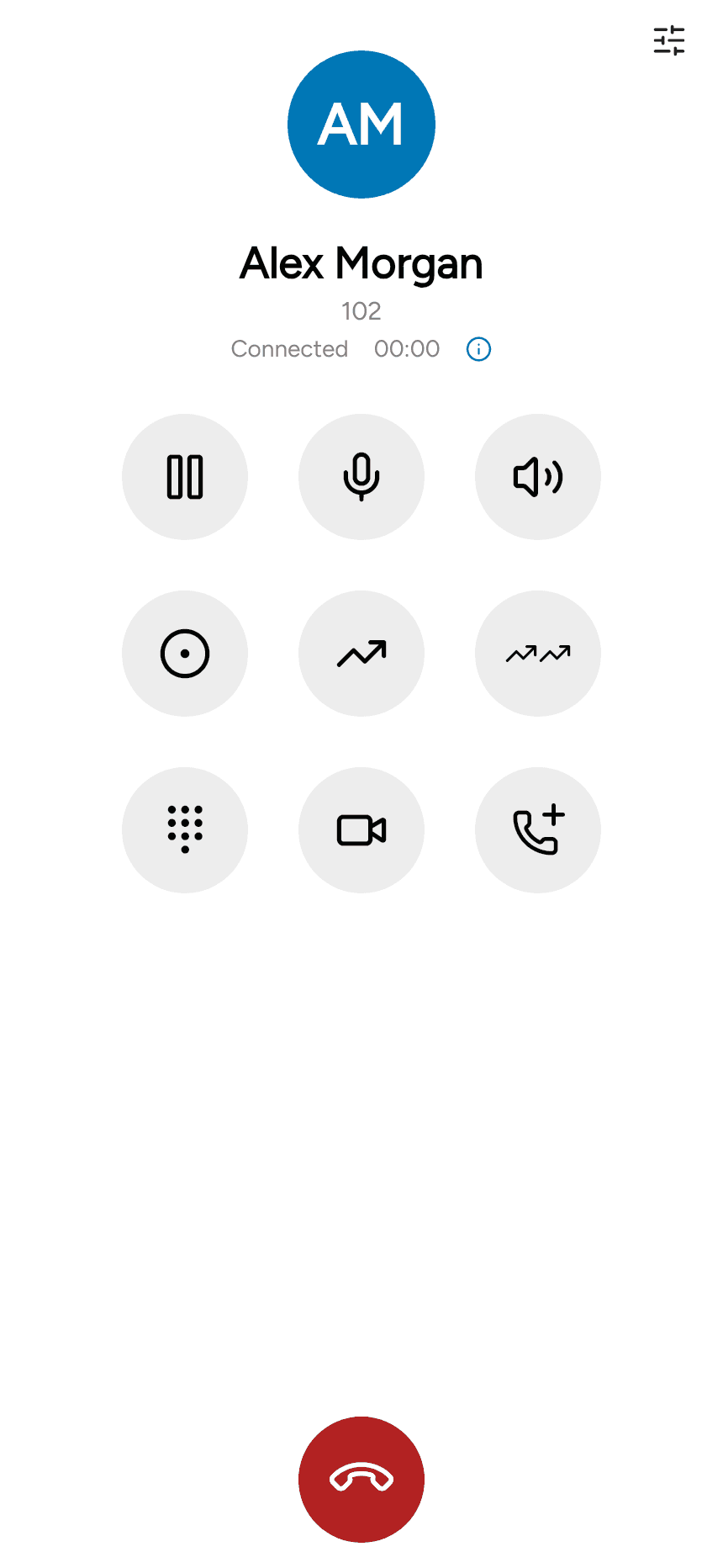
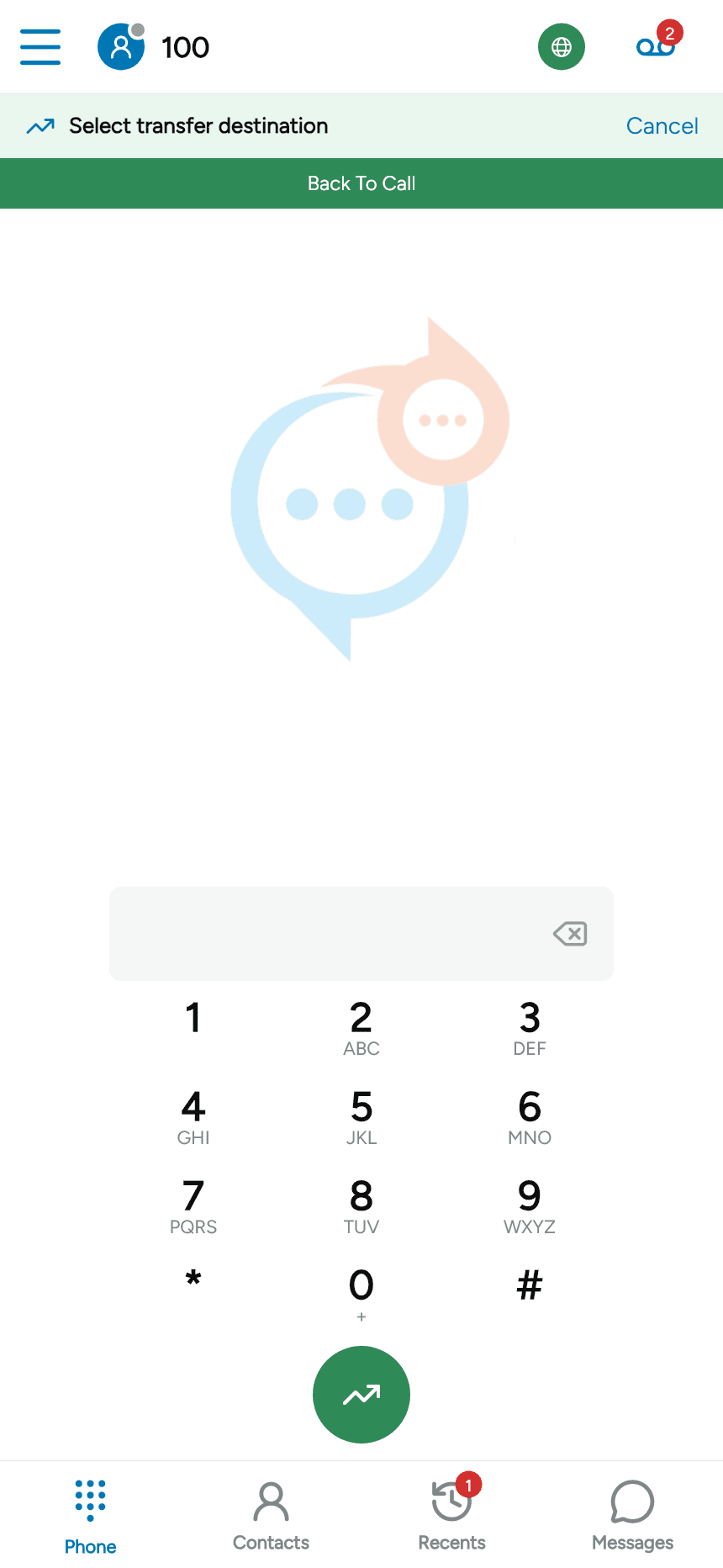
The app displays Select transfer destination. Enter the number and tap the green transfer button, or select a destination through Contacts or Recents. Use Cancel to leave transfer mode.
Attended transfer
Use the double-arrow Attended transfer control to consult another person before transferring. Follow the available call-selection or consultation prompts, then complete the transfer when the destination is ready. The choices depend on whether another call is already established.
For a call that is still ringing, see Forward a call.