Mobile Softphones
Organise contact groups
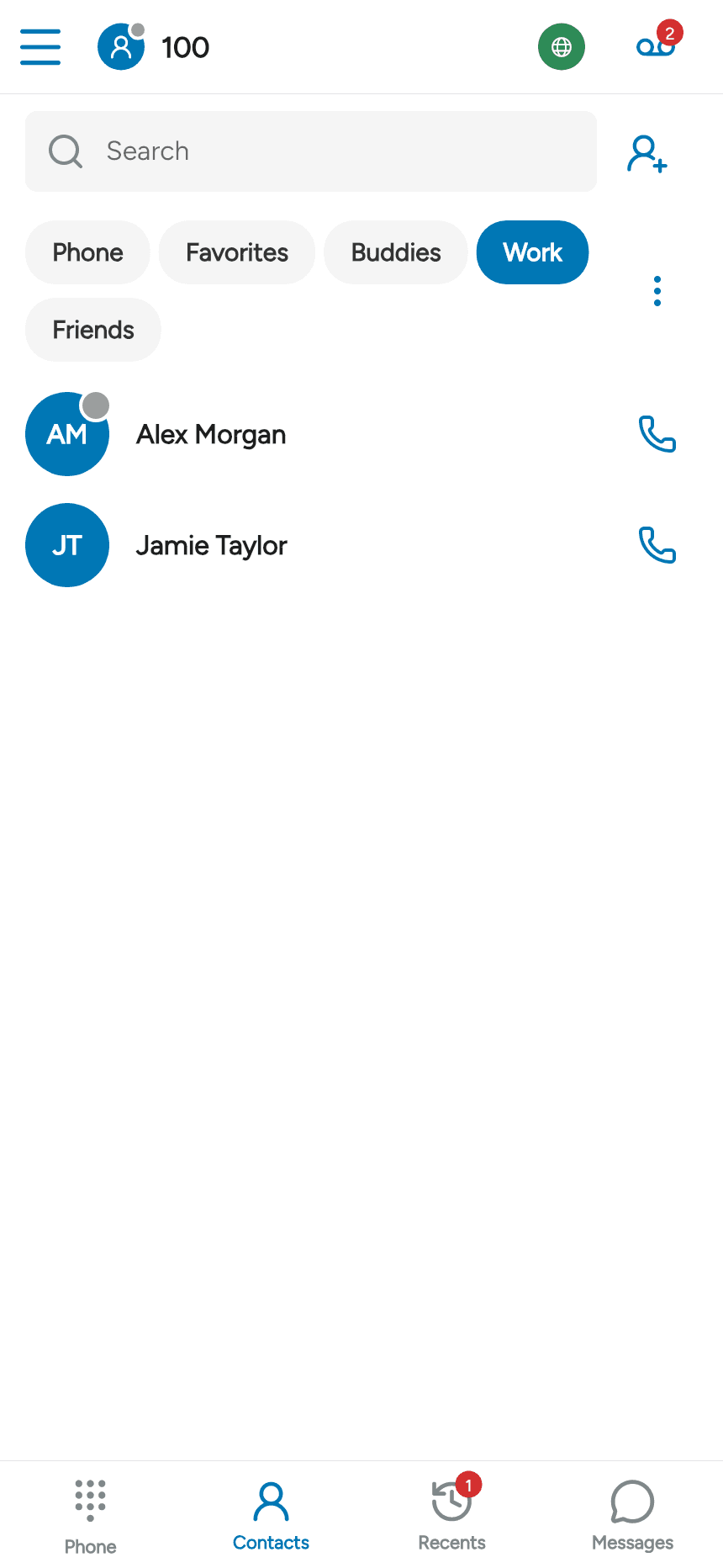
Open Contacts. Group tabs appear below Search. Tap a tab to show the contacts in that group.
Create a group
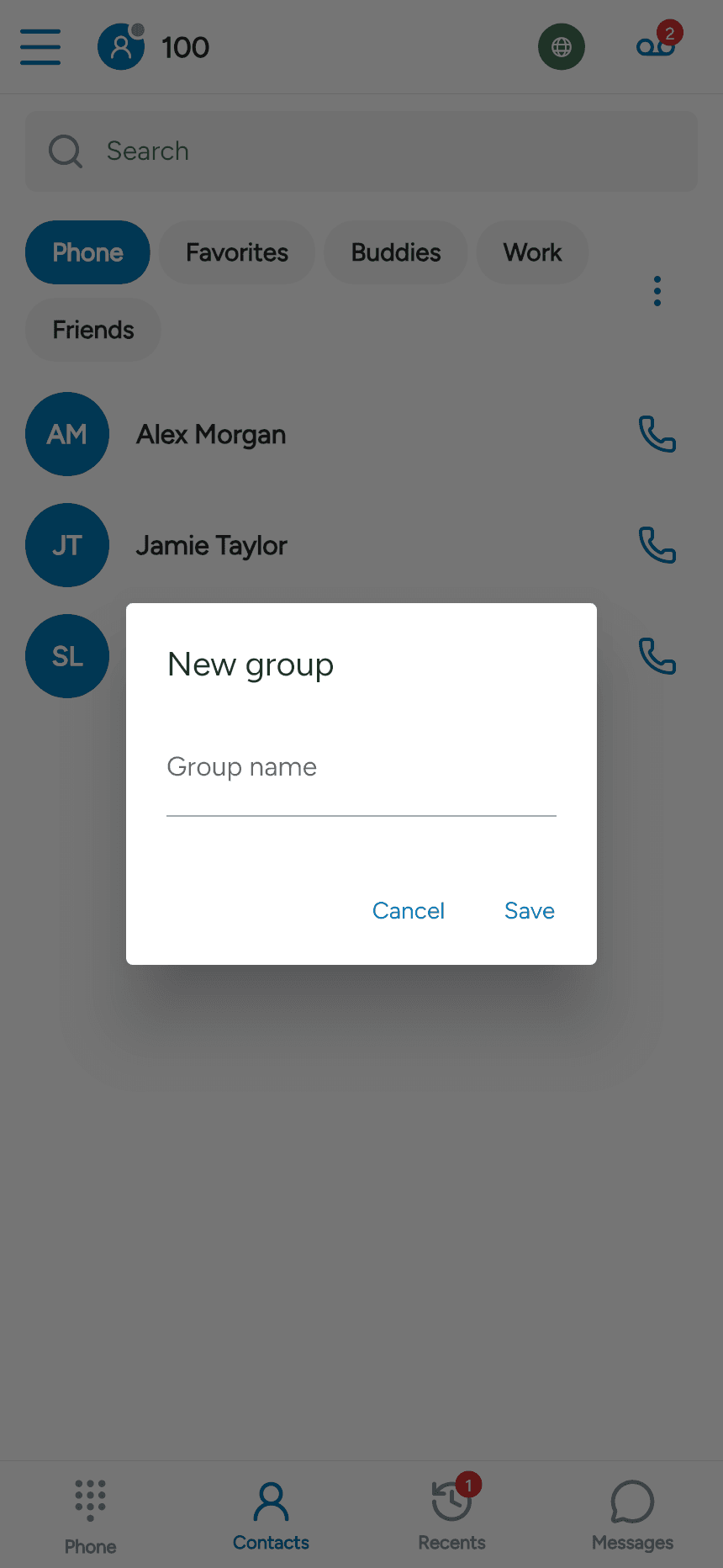
Tap the three-dot Group actions menu beside the tabs and choose New group. Enter a name and tap Save.
Add a contact to a group
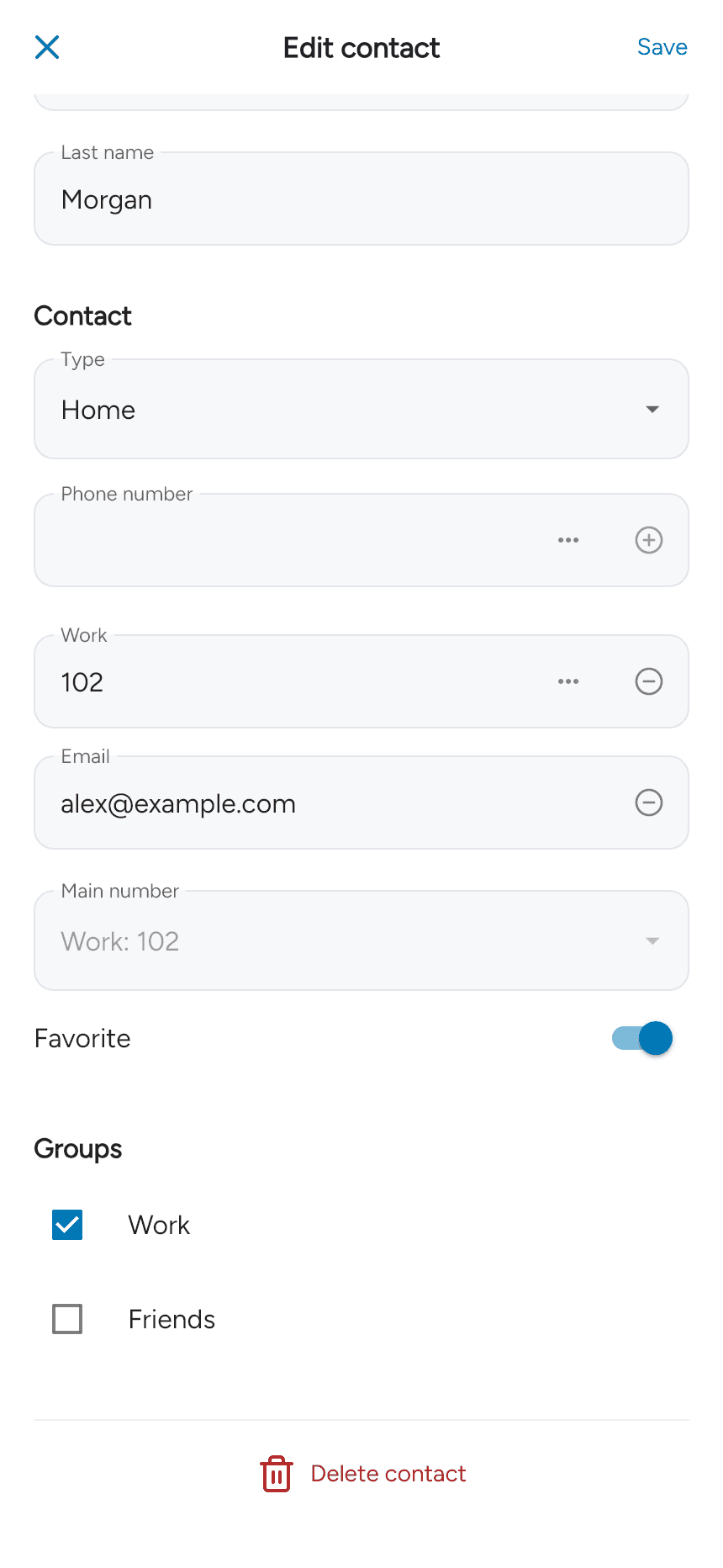
Edit an app contact, scroll to Groups, select the groups it should belong to, and tap Save. A contact can belong to more than one group.
Rename or delete a group
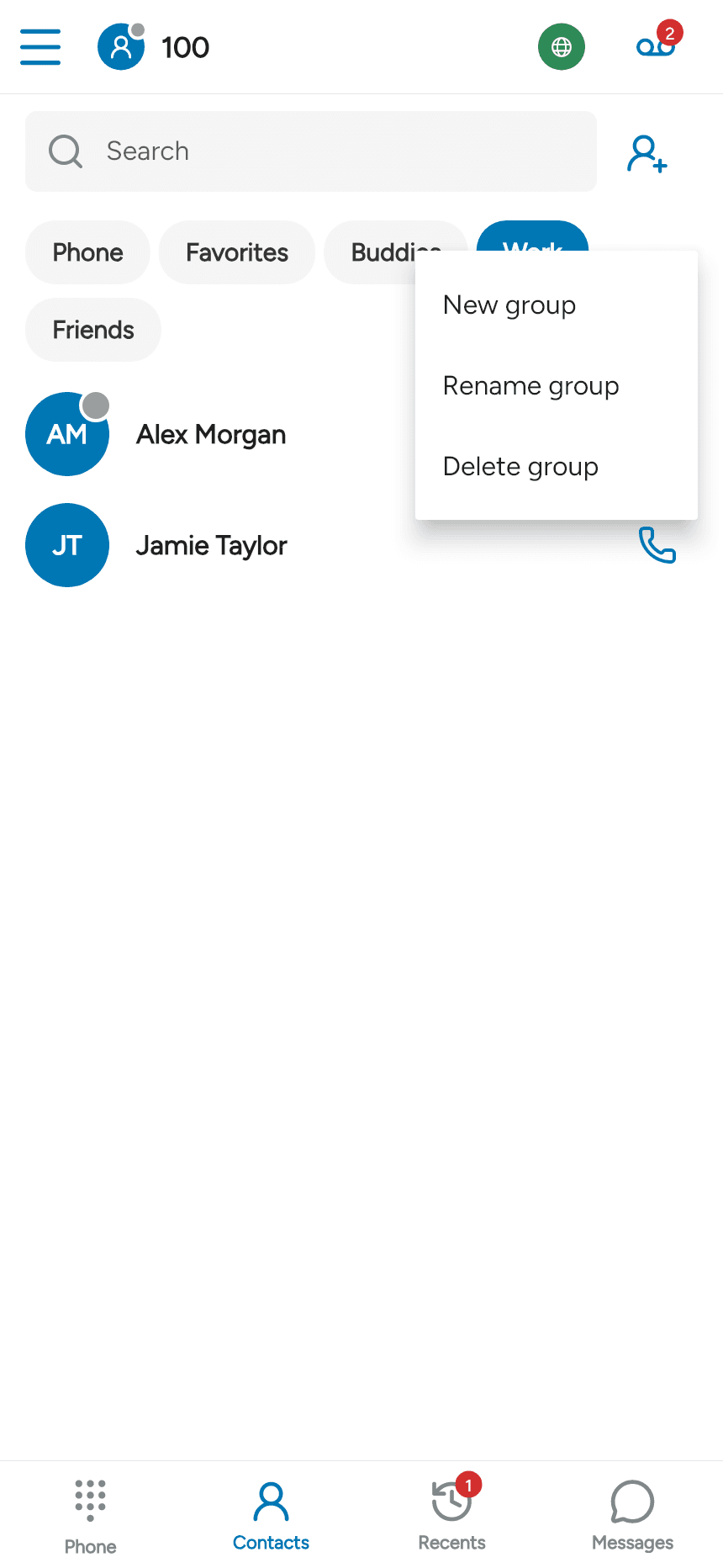
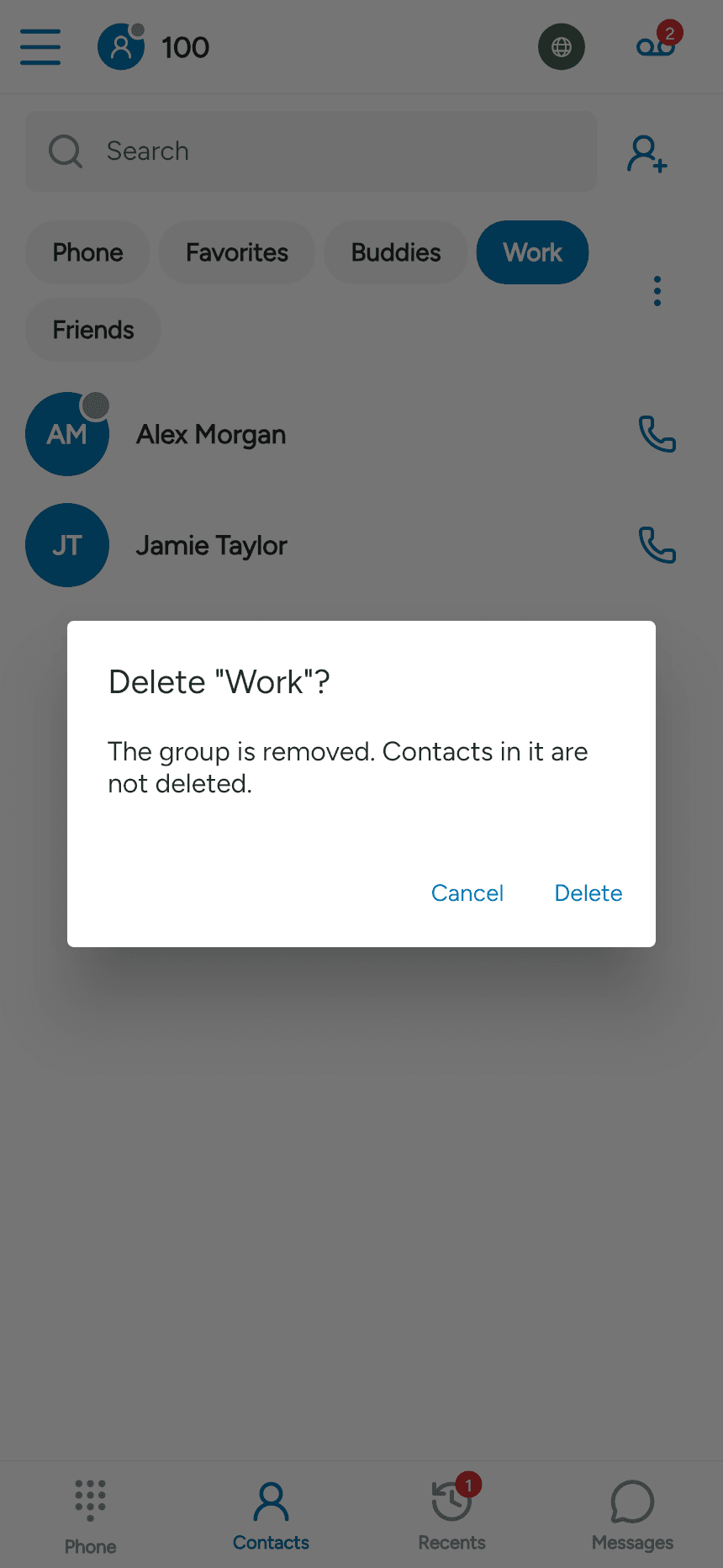
Select the group tab, then open Group actions. Choose Rename group, enter the new name and save, or choose Delete group and confirm. These actions apply to your local app groups; provider-managed groups may be read-only.
Deleting a group removes the group, not the contacts in it.
Last updated on