Desktop Softphones
Hold and resume a call
During a connected call, click the pause-shaped Hold button. The status changes to On Hold and the button changes to a play symbol. Click it again to resume.
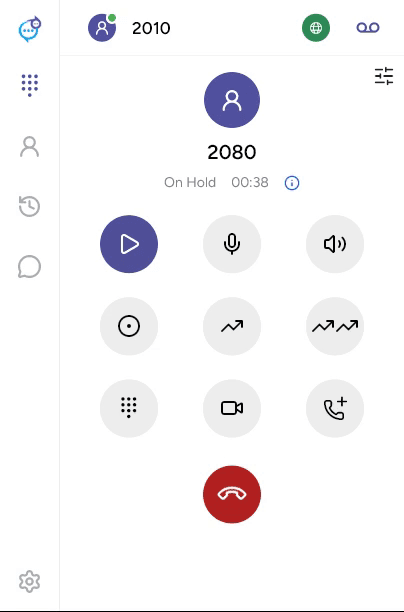
Mute only stops your microphone; hold changes the call state. The remote caller’s hold audio depends on your phone service. With several calls, use the controls on the relevant call card. See Multiple calls.
Last updated on